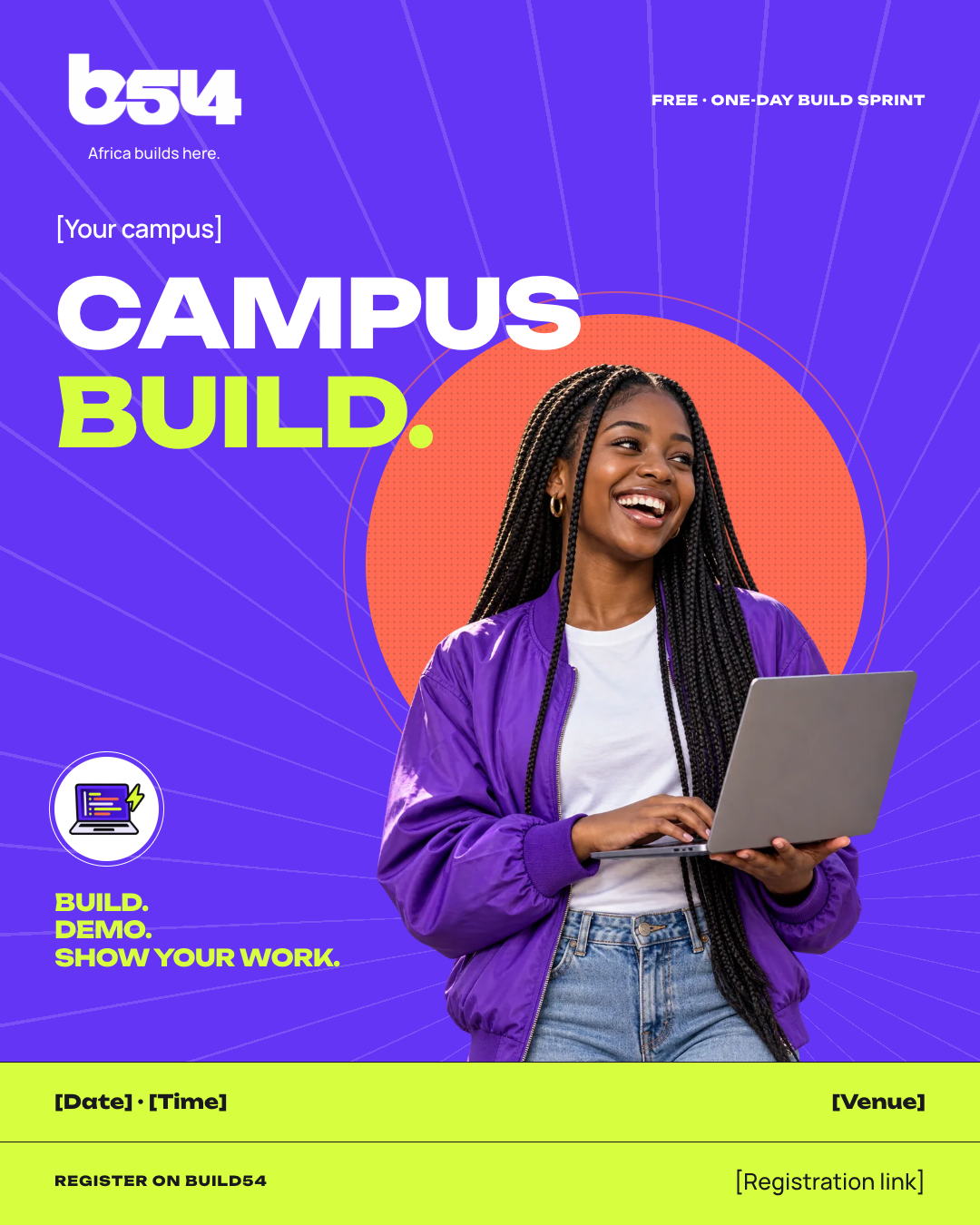
Portrait feed · A3
Campus Build poster
Once your Build is approved
Keep it compliant
- Submit it with the story at least ten days before the event.
- Use the confirmed date, venue and registration link.
Build54 · Media kit
Pick a template, add your details, download a file that’s ready for approval.
Make yours
Sample library
65 samples shown
Portrait feed · A3
Once your Build is approved
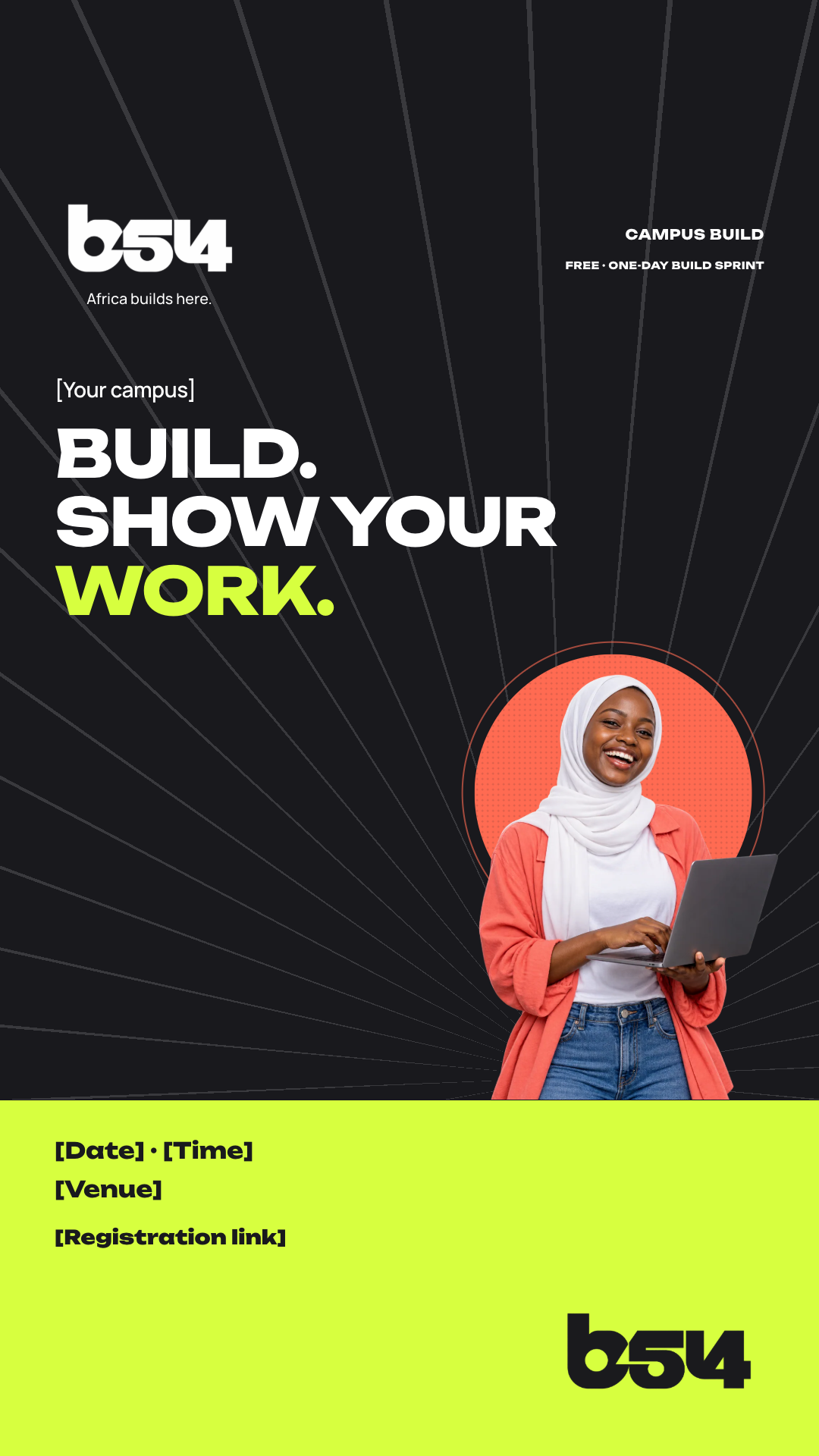
Story · 1080 × 1920
Alongside the poster

Portrait feed · 1080 × 1350
As soon as the date is approved
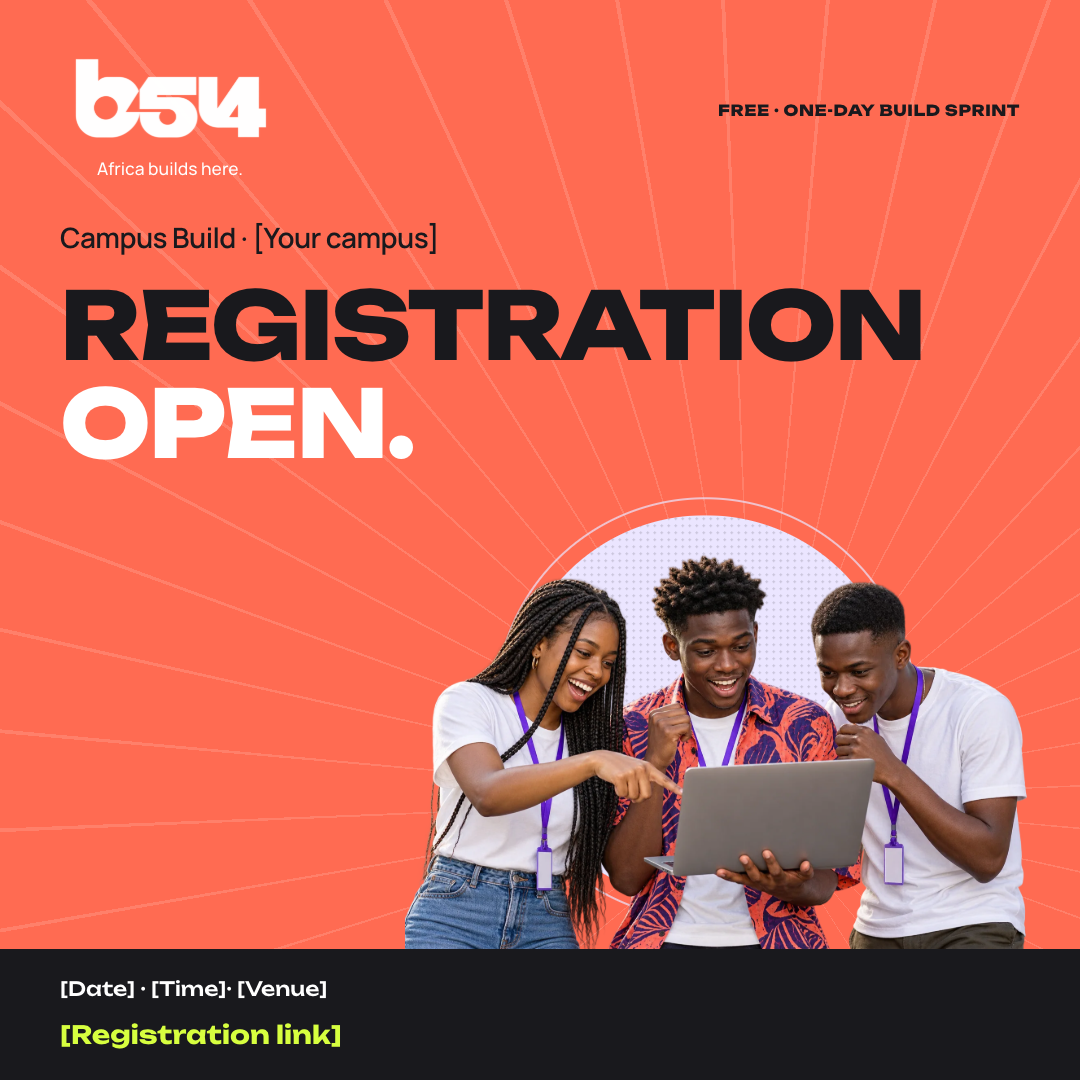
Square feed · 1080 × 1080
The day registration opens
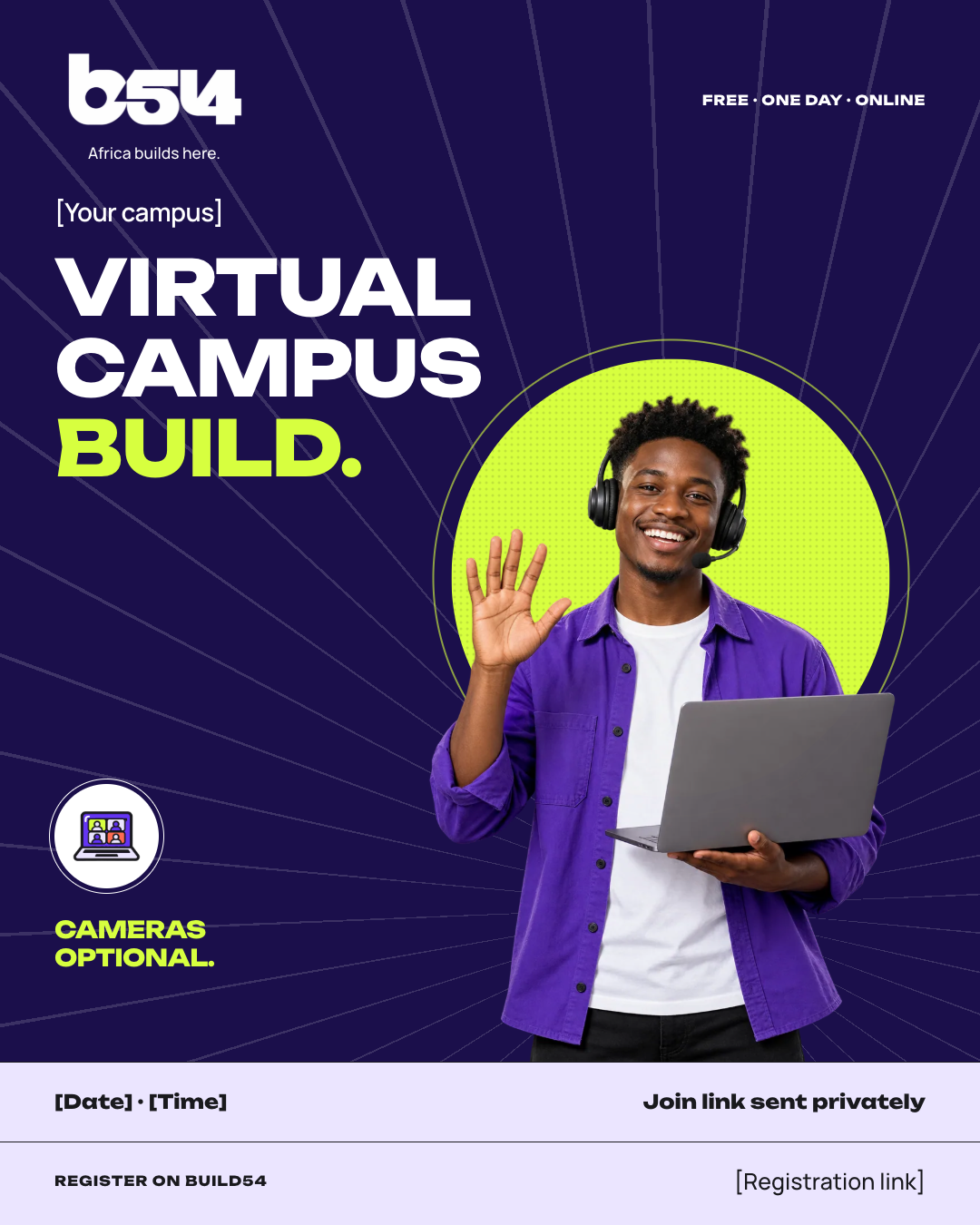
Portrait feed · 1080 × 1350
Once your virtual Build is approved
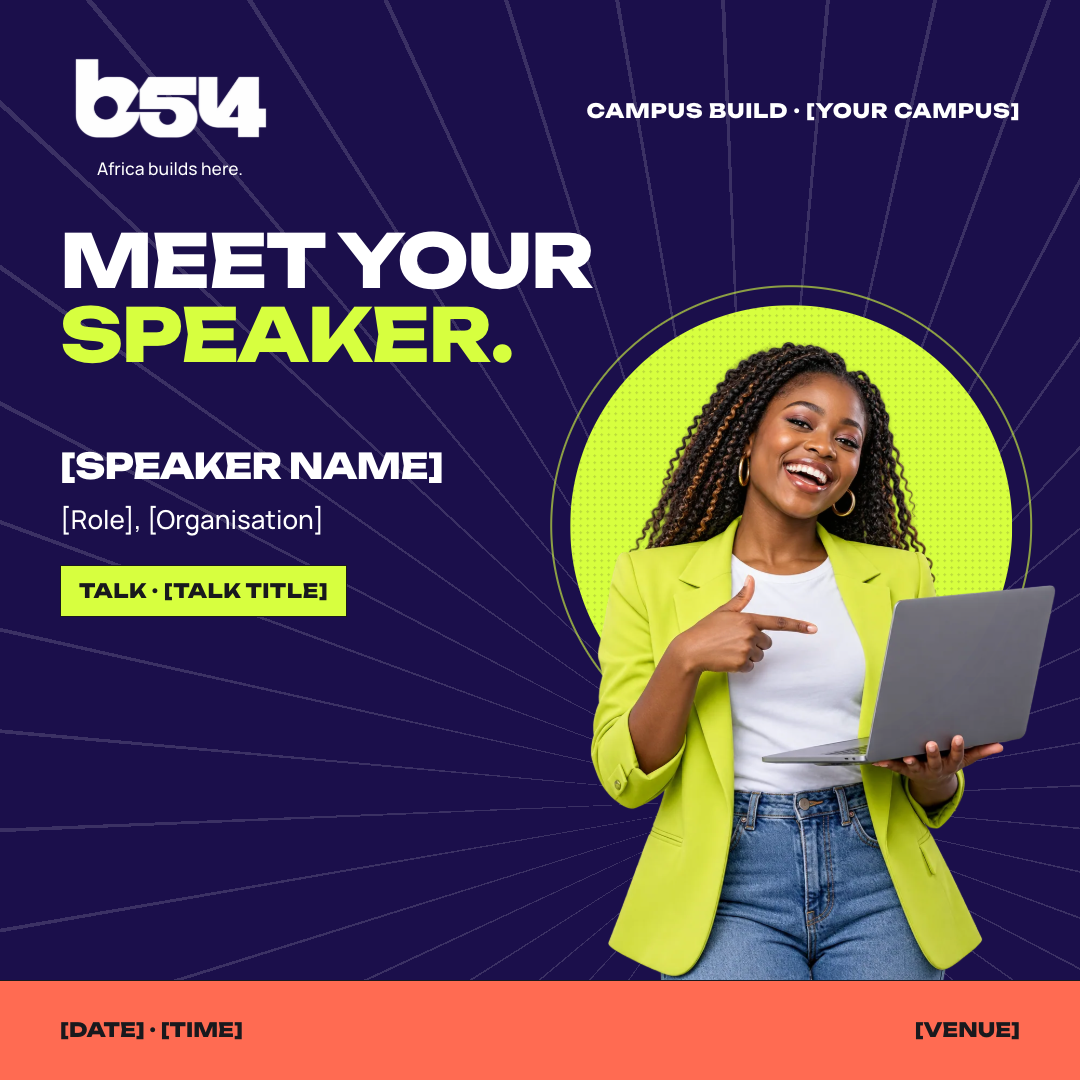
Square feed · 1080 × 1080
Once Build54 confirms the speaker
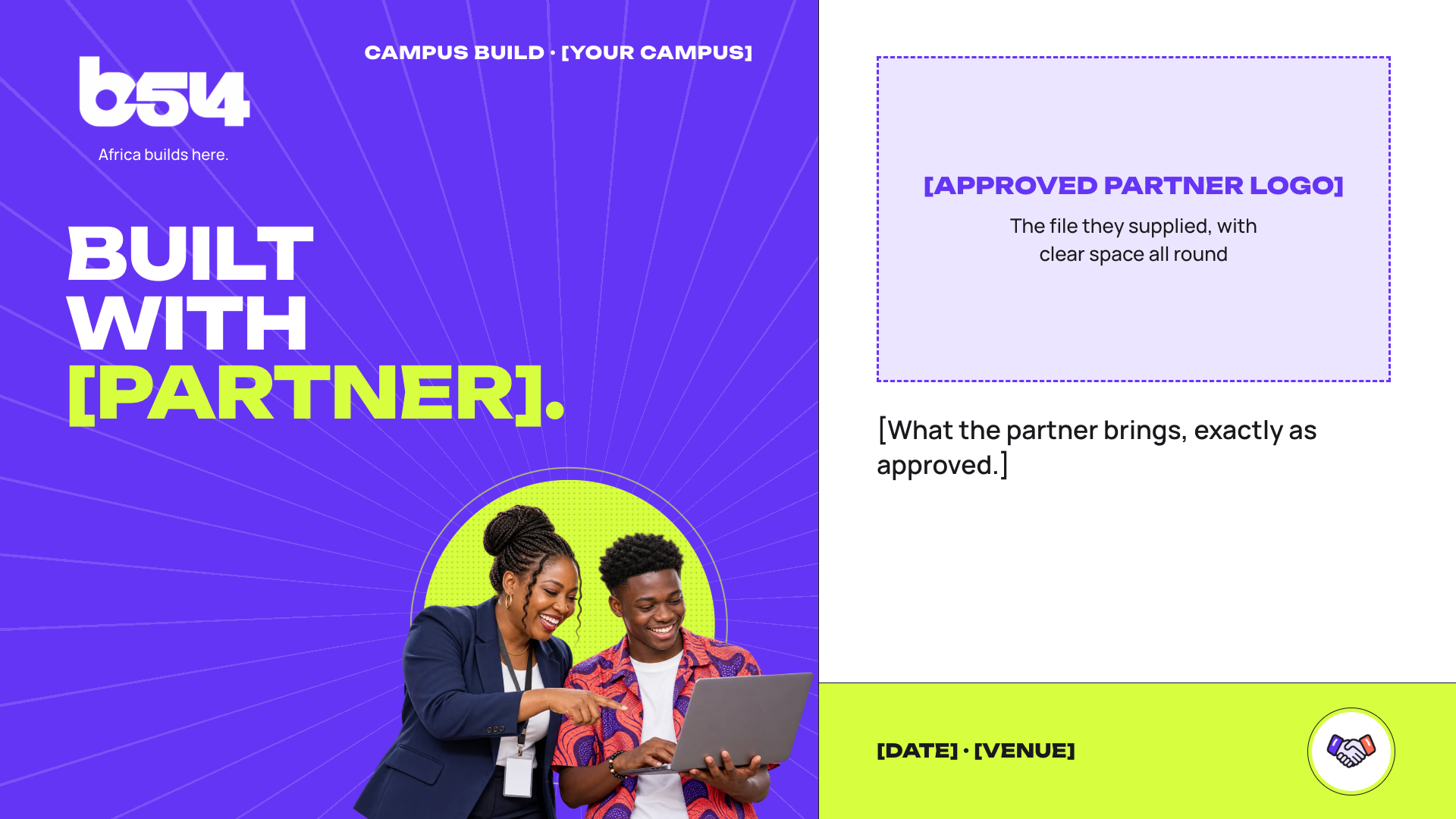
Landscape · 1920 × 1080
Once the partner is approved
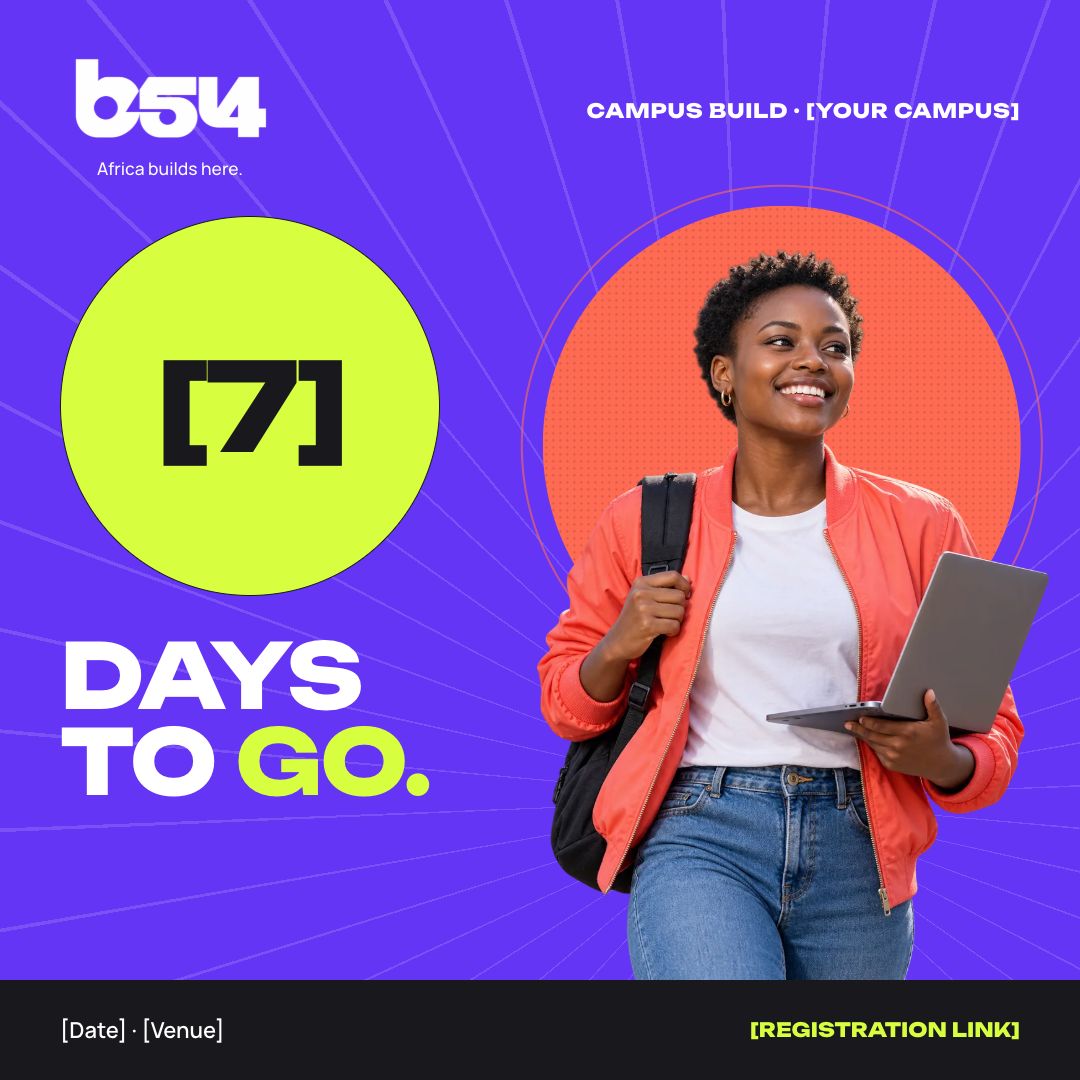
Square feed · 1080 × 1080
Seven, three and one day out
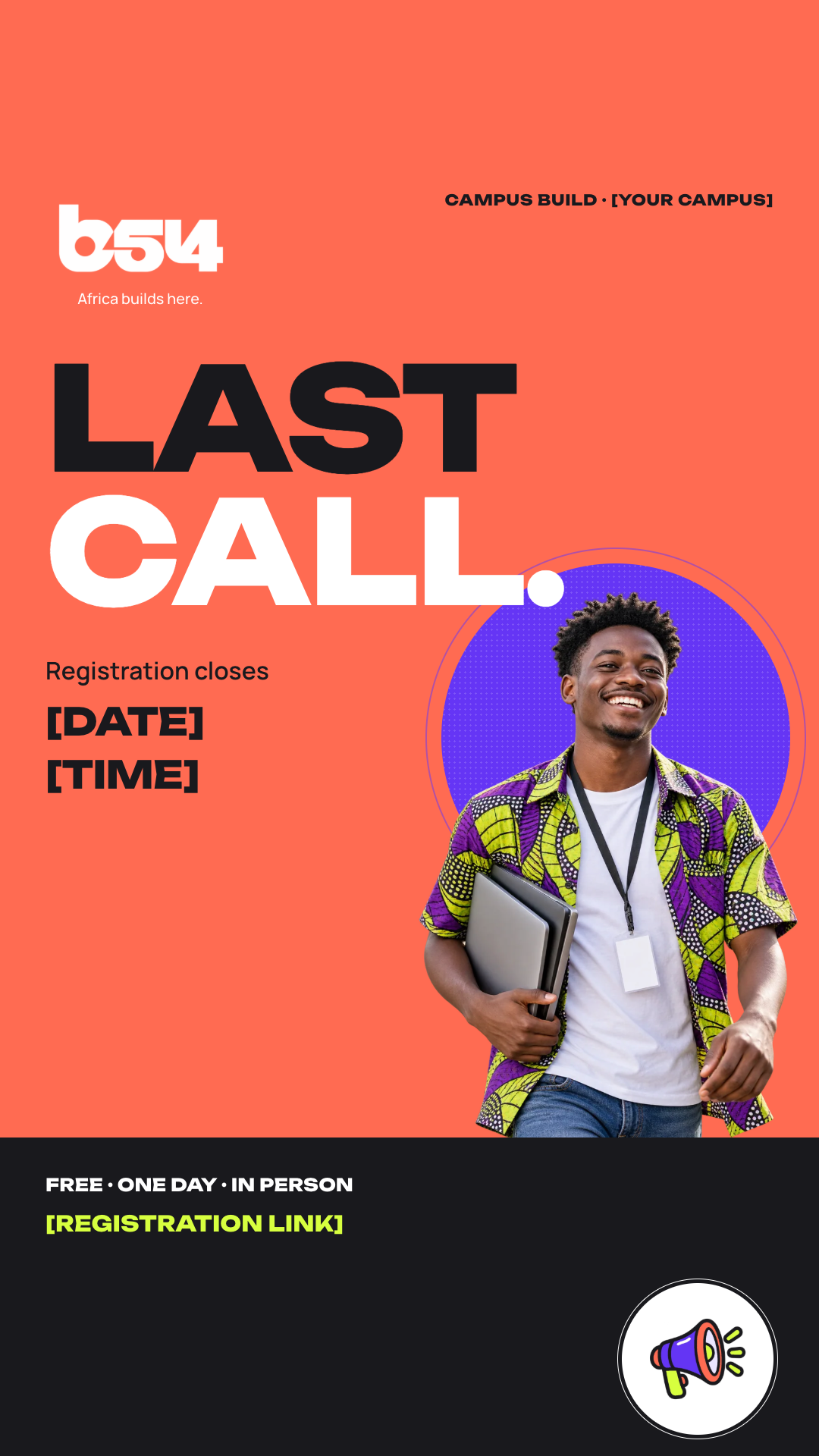
Story · 1080 × 1920
The final days of registration
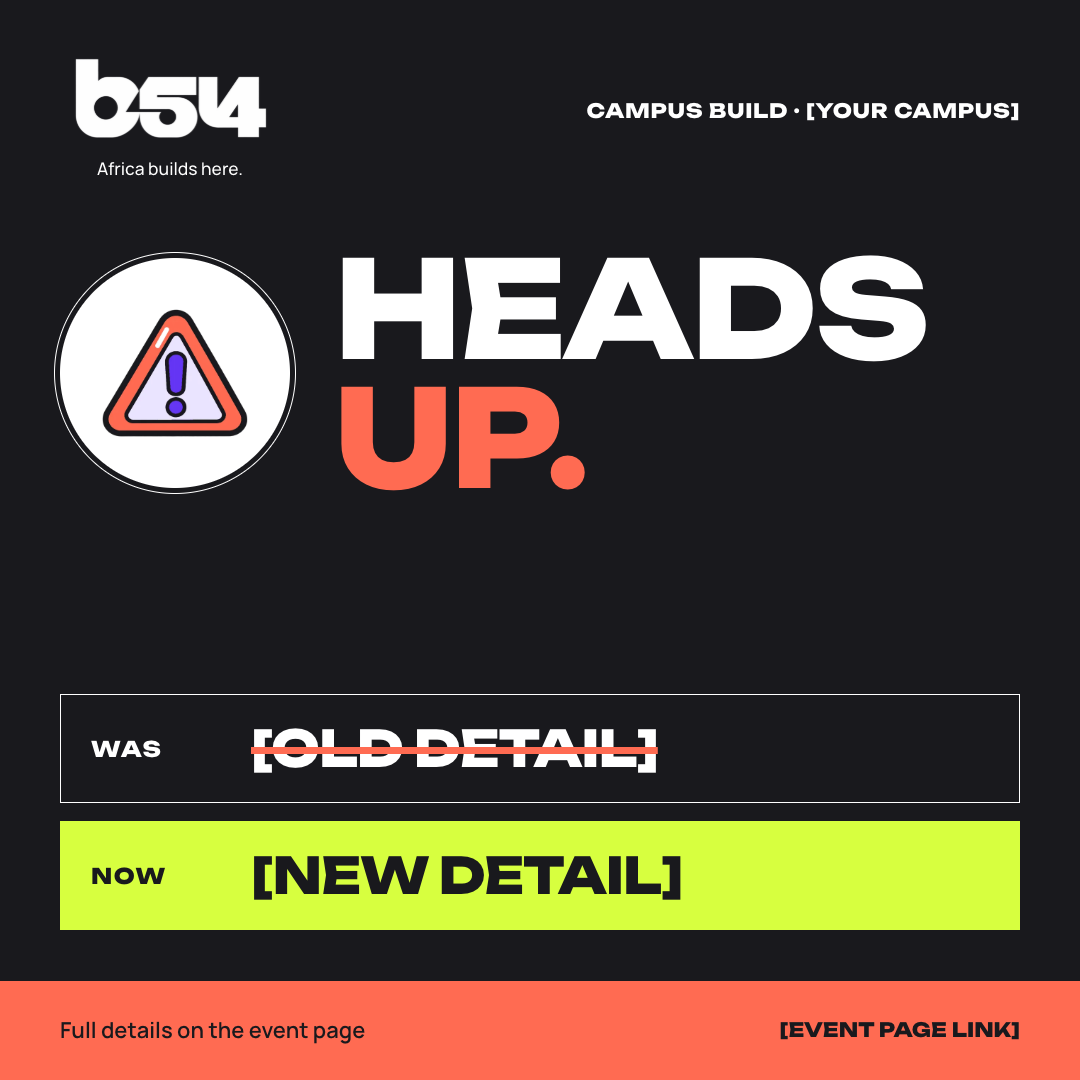
Square feed · 1080 × 1080
When a confirmed detail changes
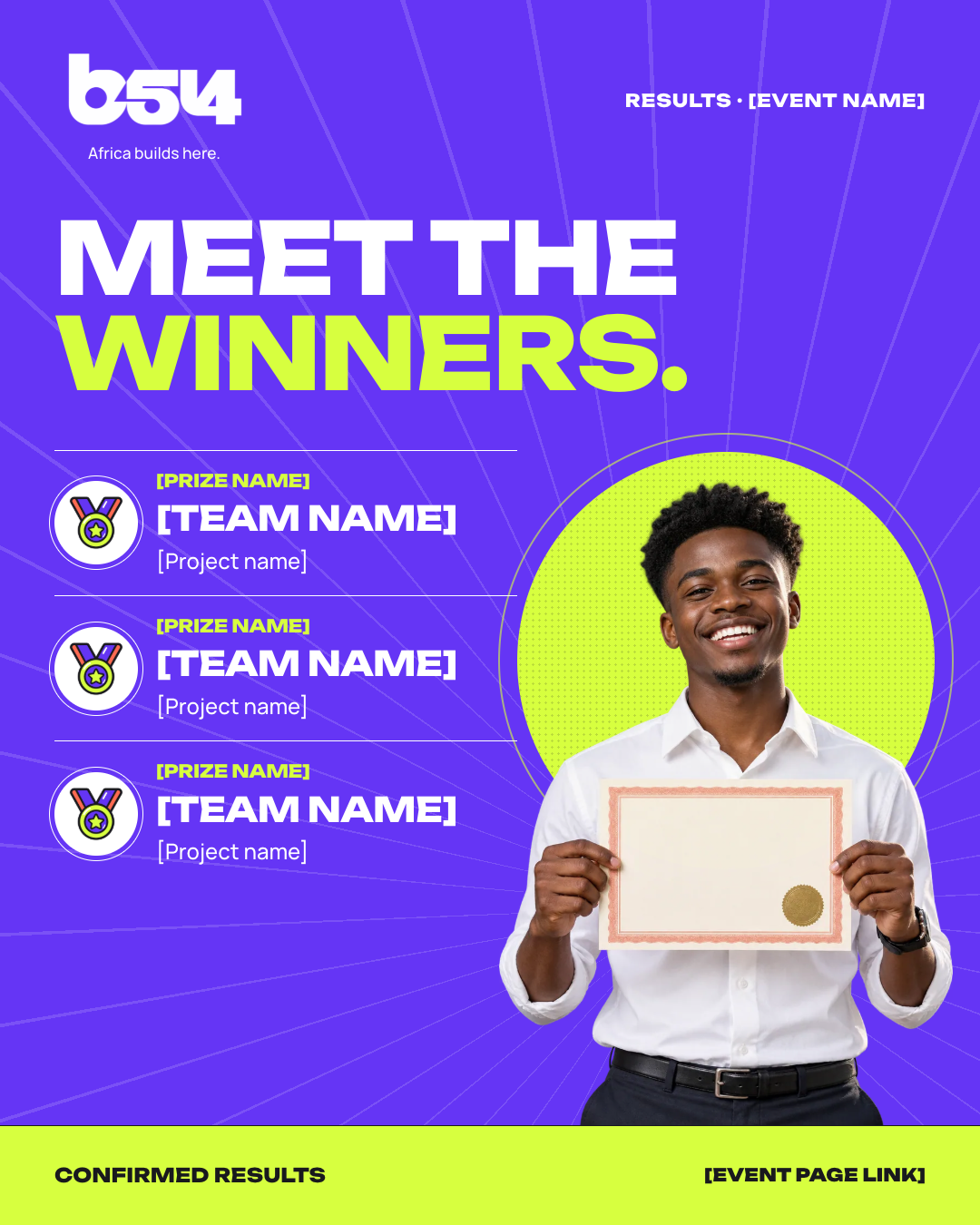
Portrait feed · 1080 × 1350
After Build54 confirms results
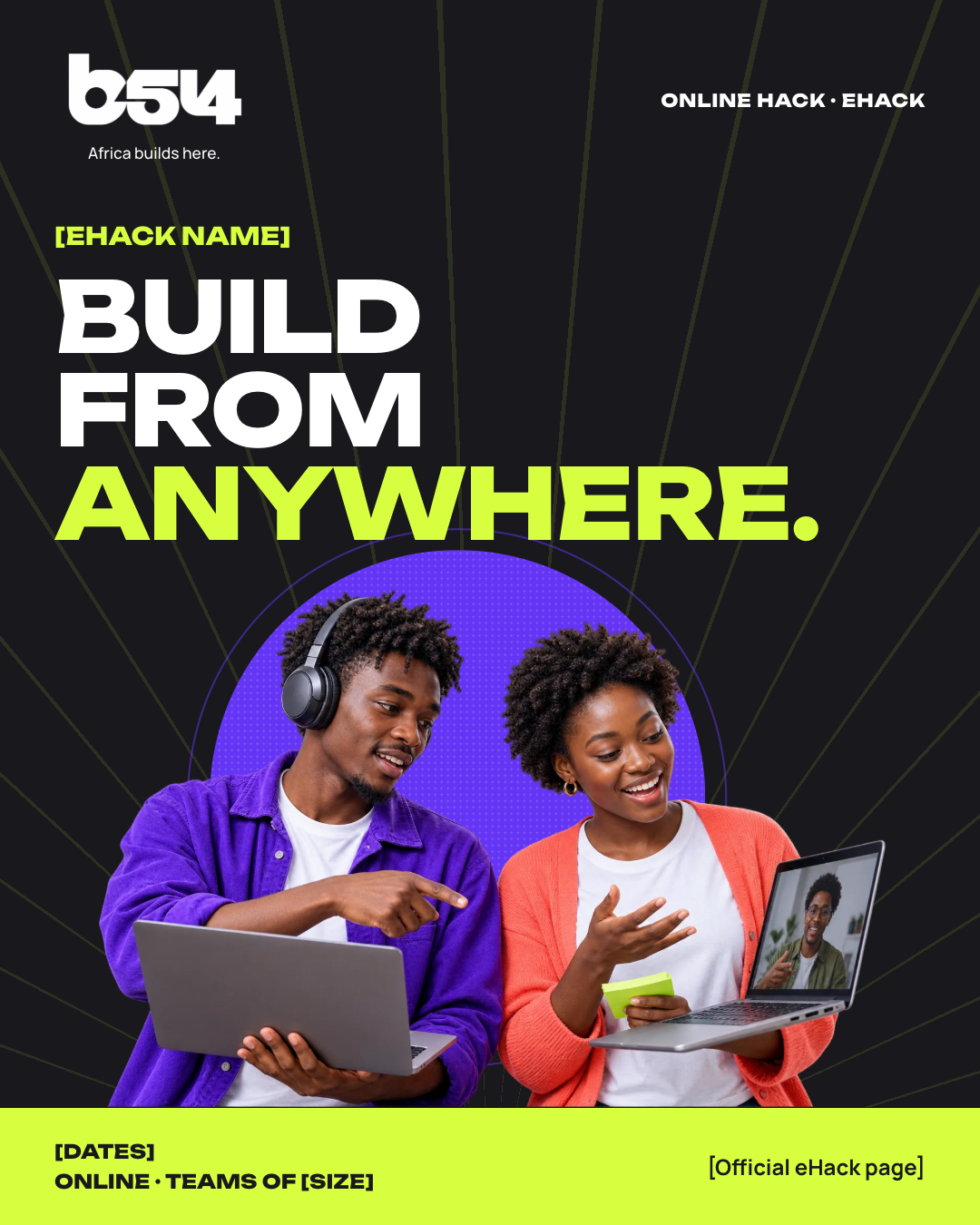
Portrait feed · 1080 × 1350
When Build54 opens an eHack

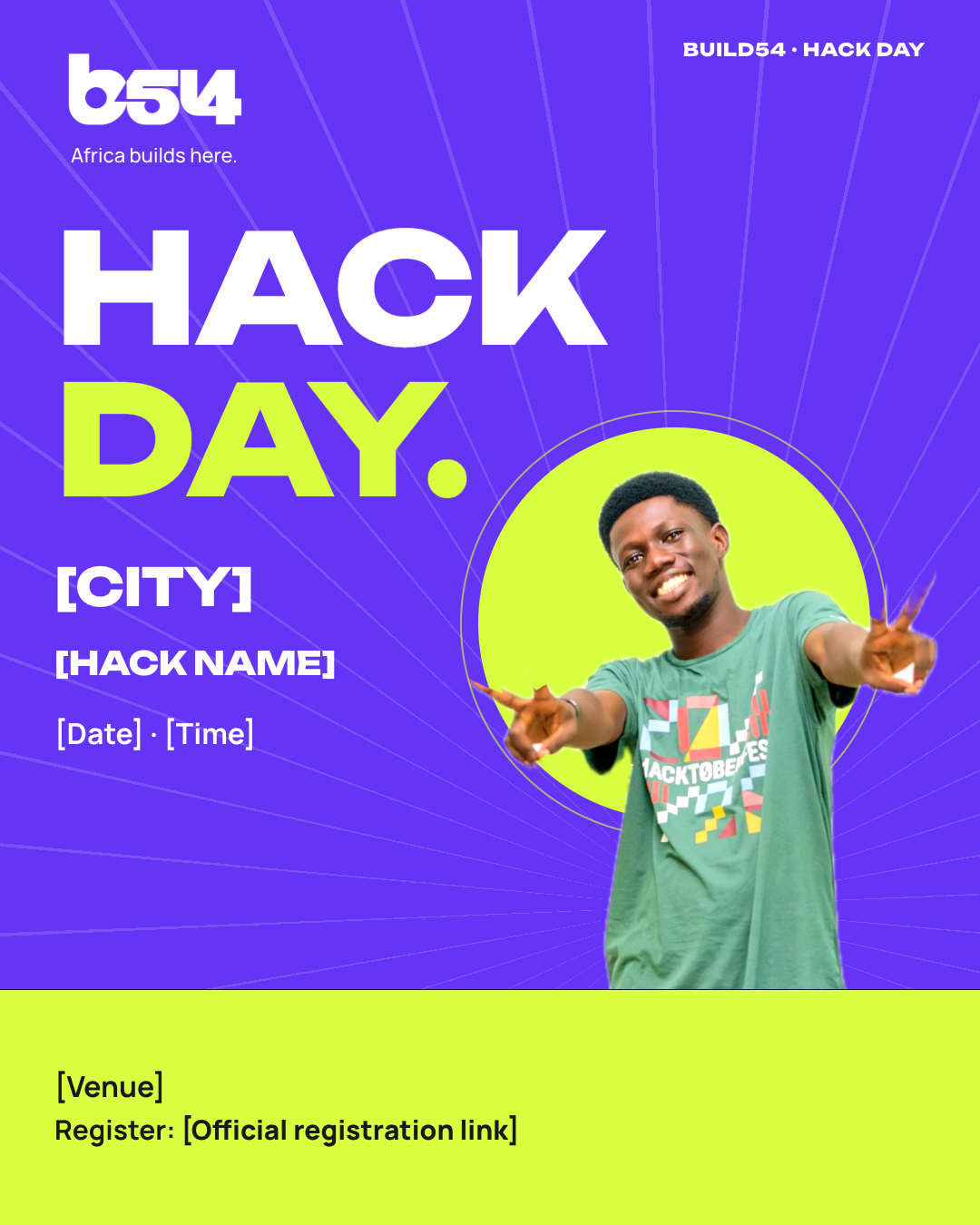
Portrait feed · 1080 × 1350
When Build54 opens a hack day
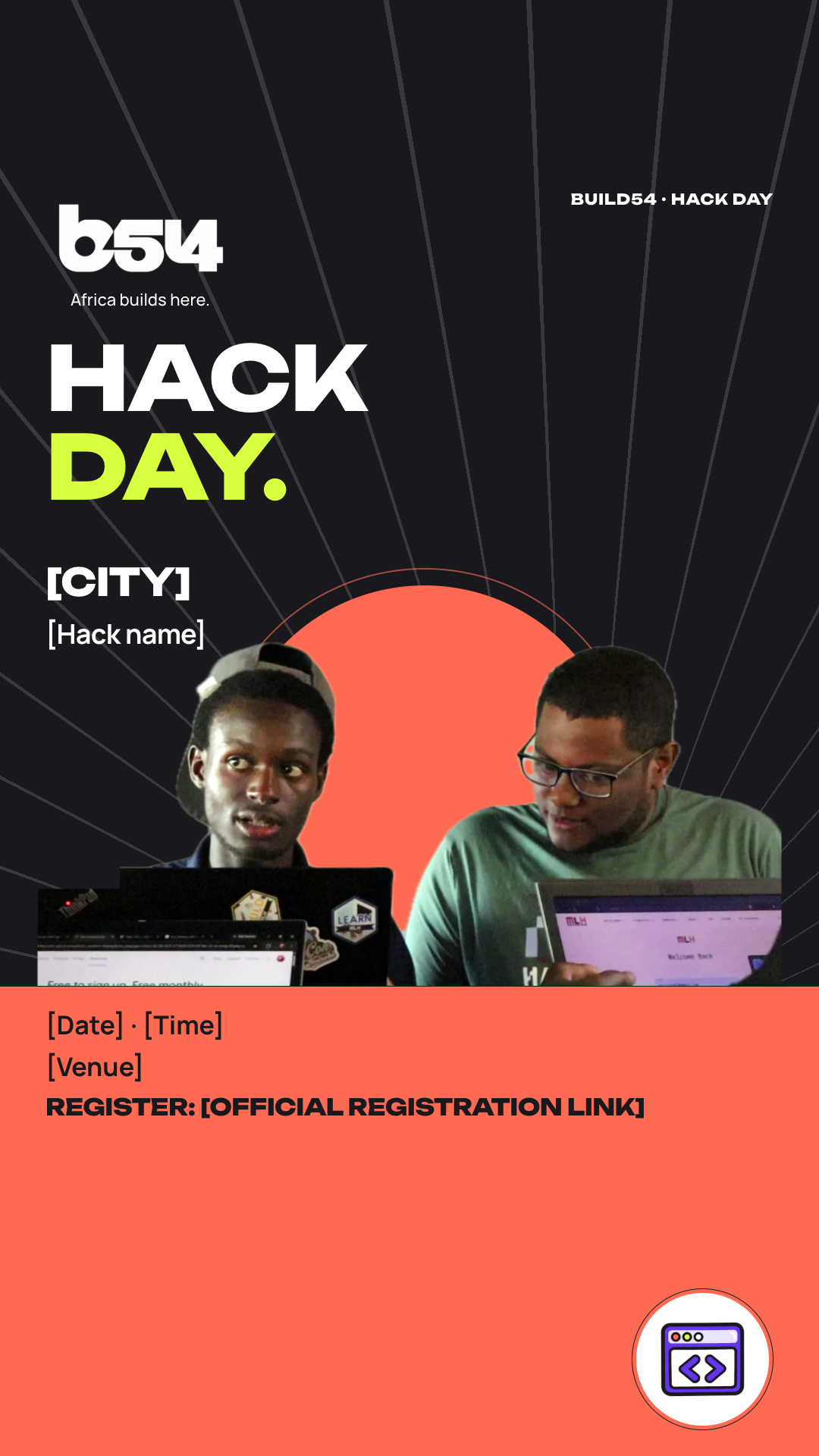
Story · 1080 × 1920
Alongside the hack day poster
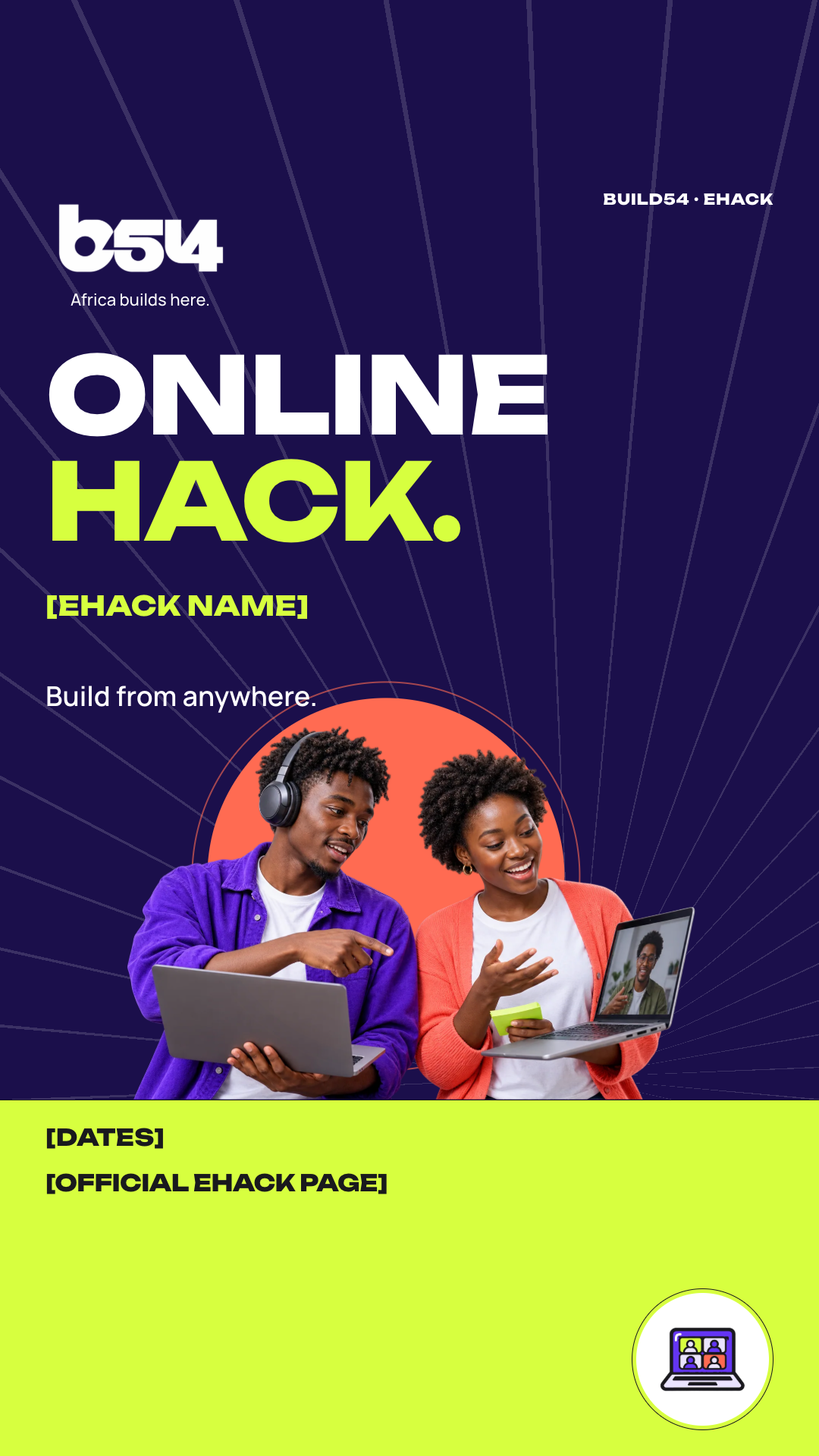
Story · 1080 × 1920
When Build54 opens an eHack
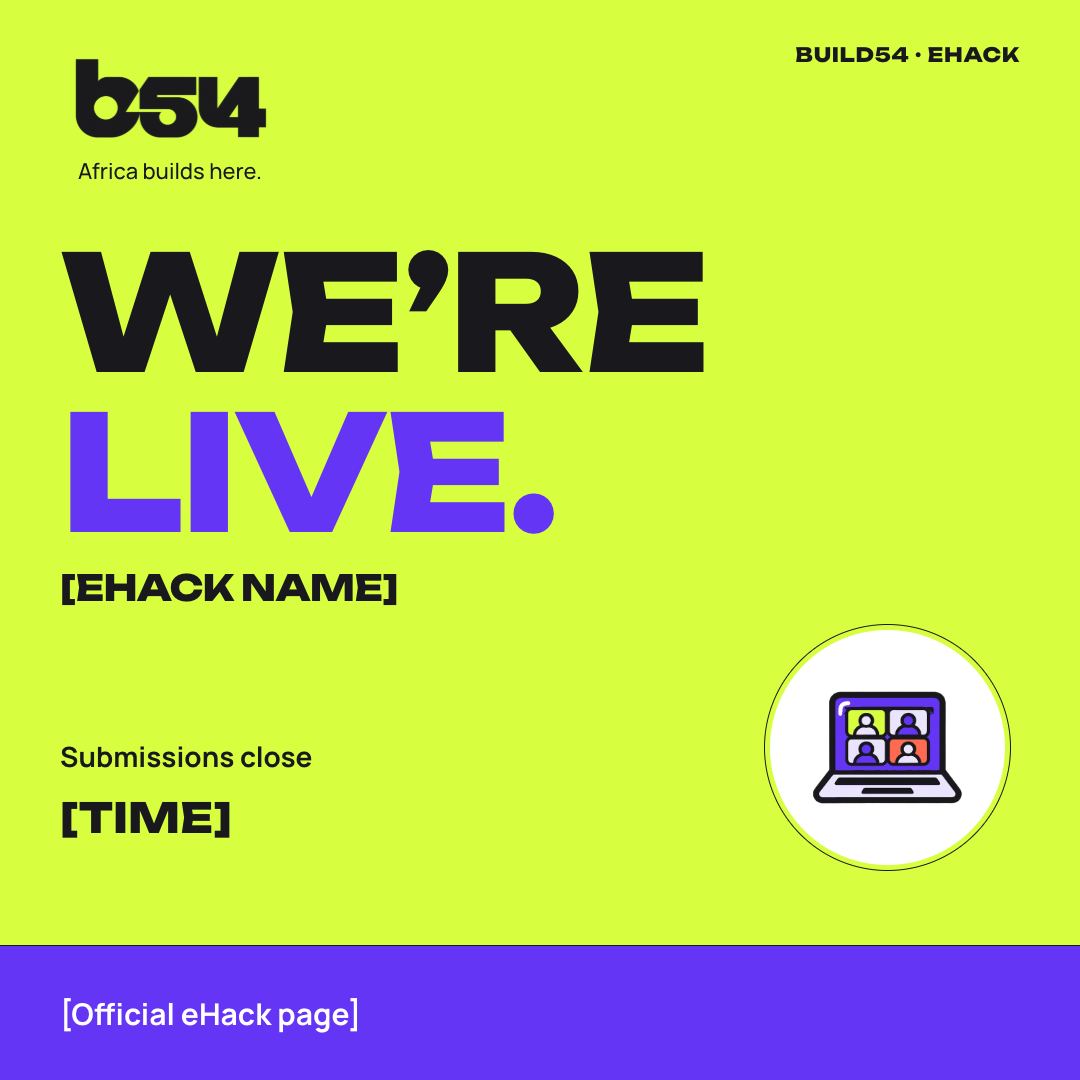
Square feed · 1080 × 1080
While an eHack is running

Carousel · 1080 × 1350
Any time before 1 December 2026

Story · 1080 × 1920
The weeks before 1 December
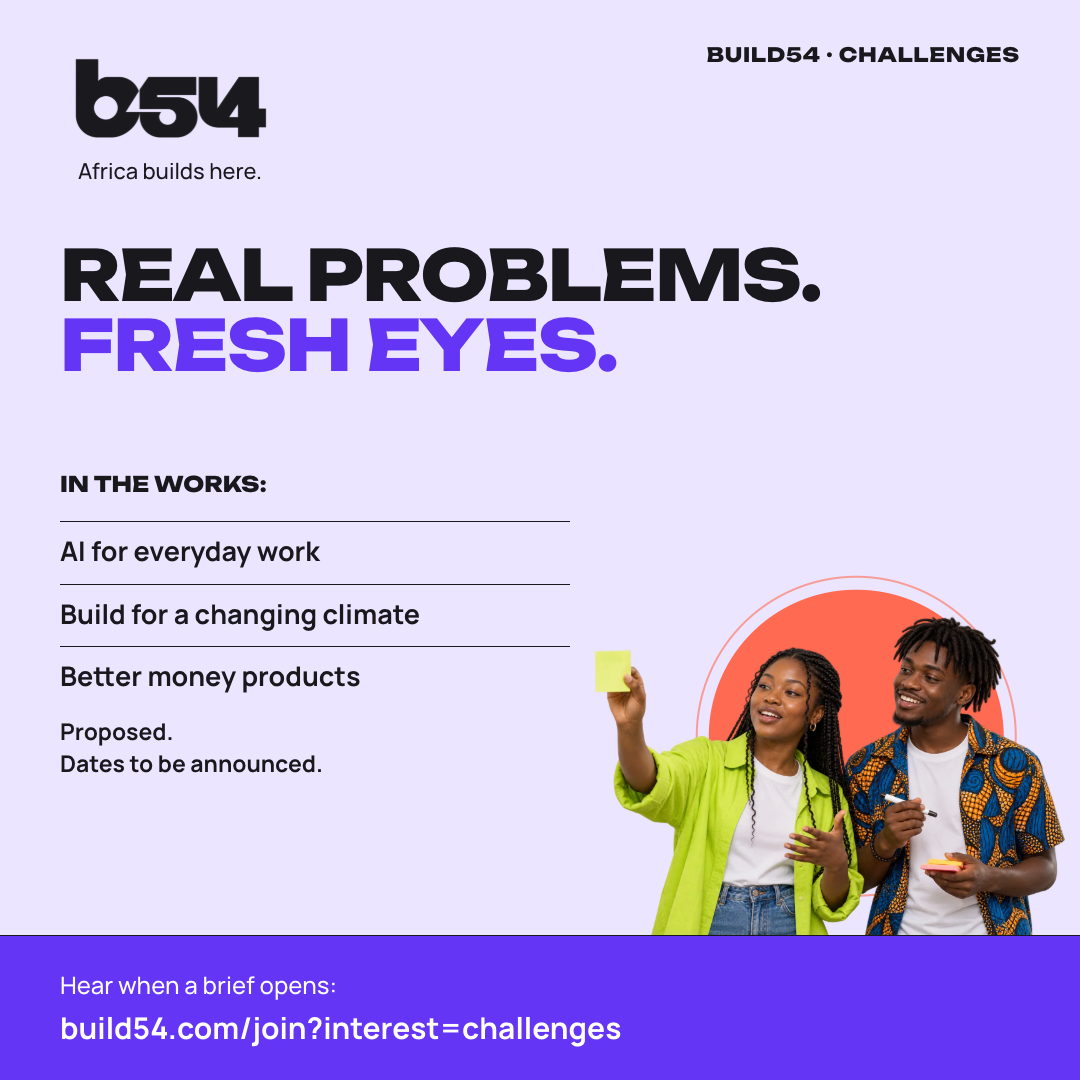
Square feed · 1080 × 1080
Any time: briefs are in the works
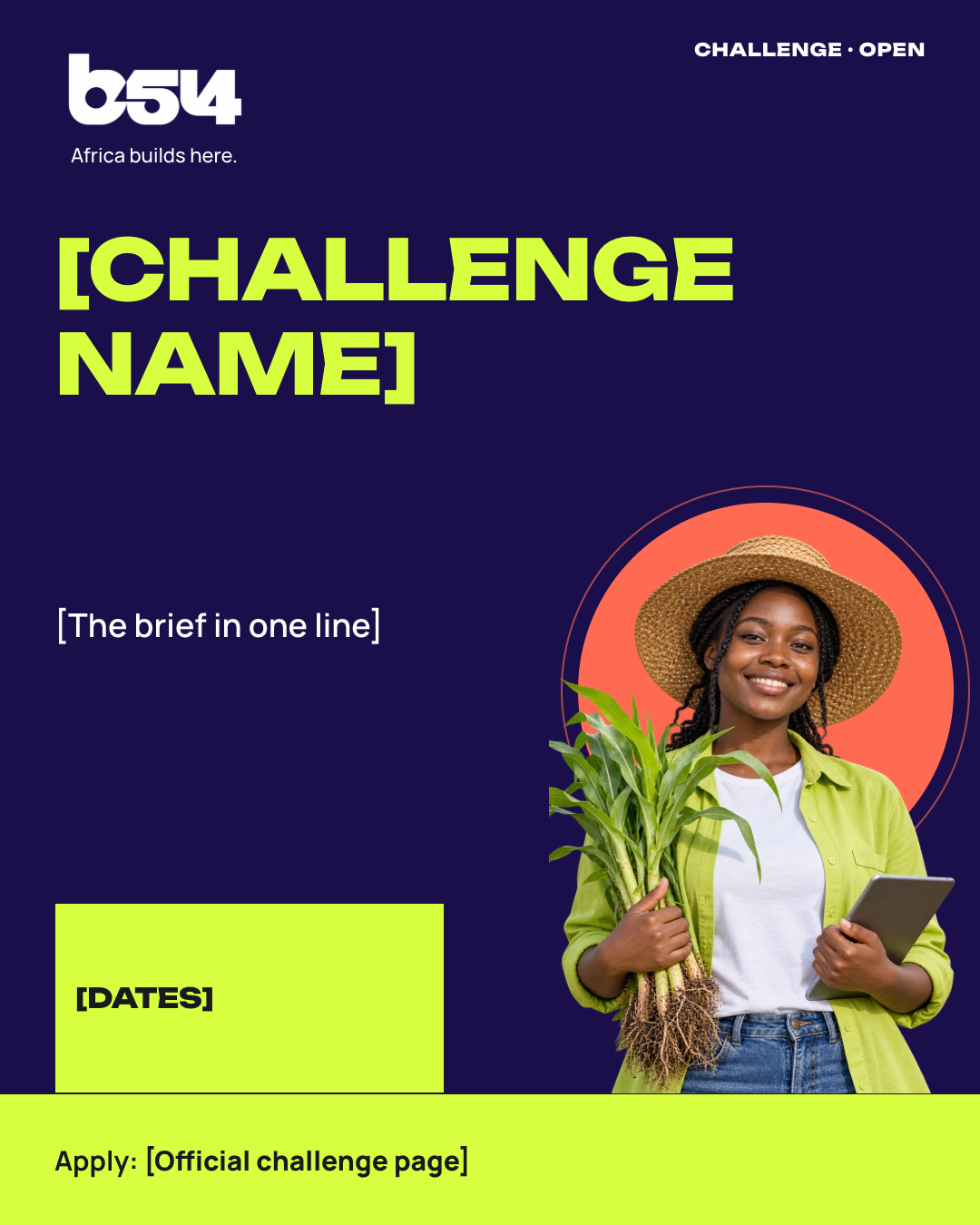
Portrait feed · 1080 × 1350
Only after Build54 opens a brief
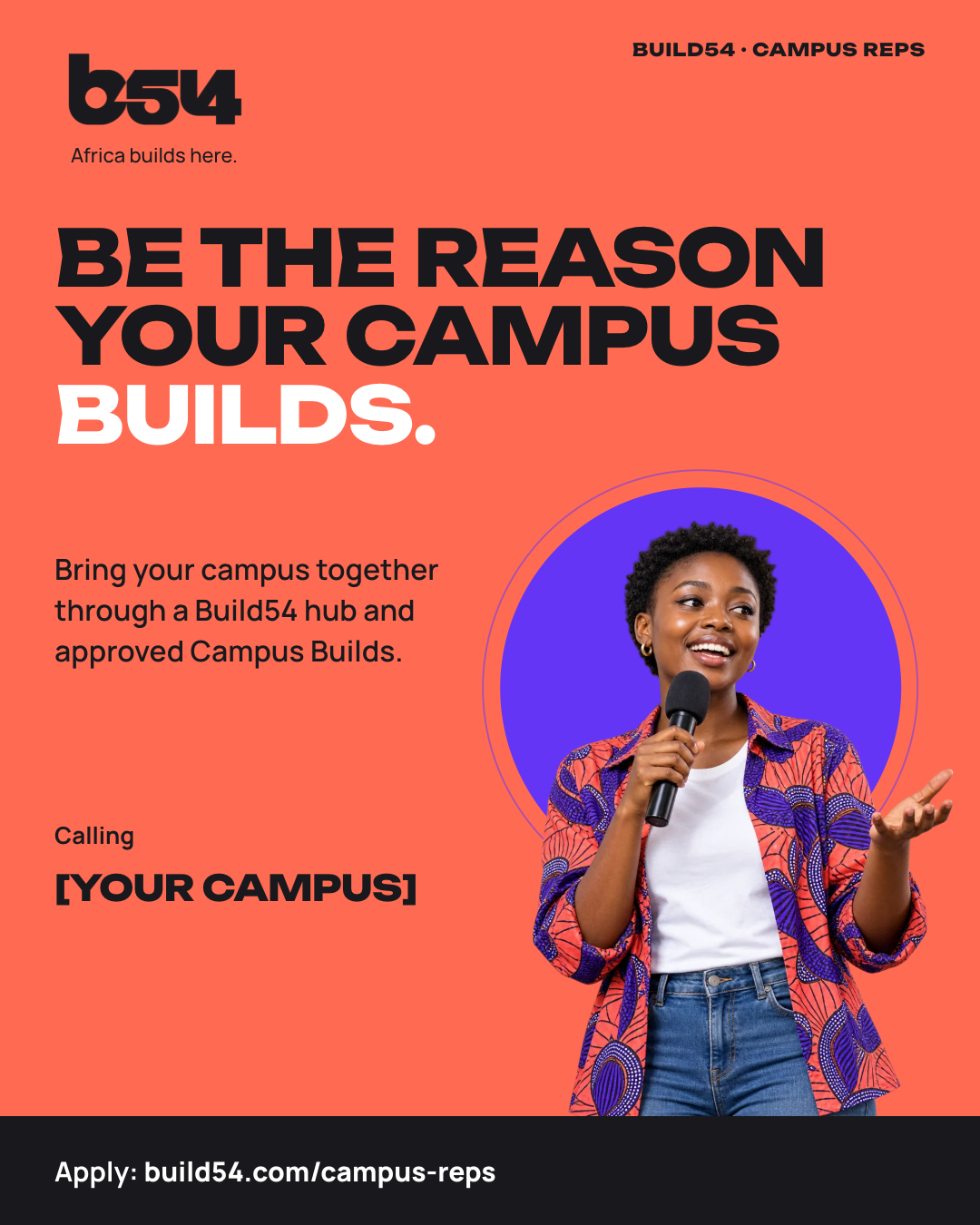
Portrait feed · 1080 × 1350
When you recruit a rep
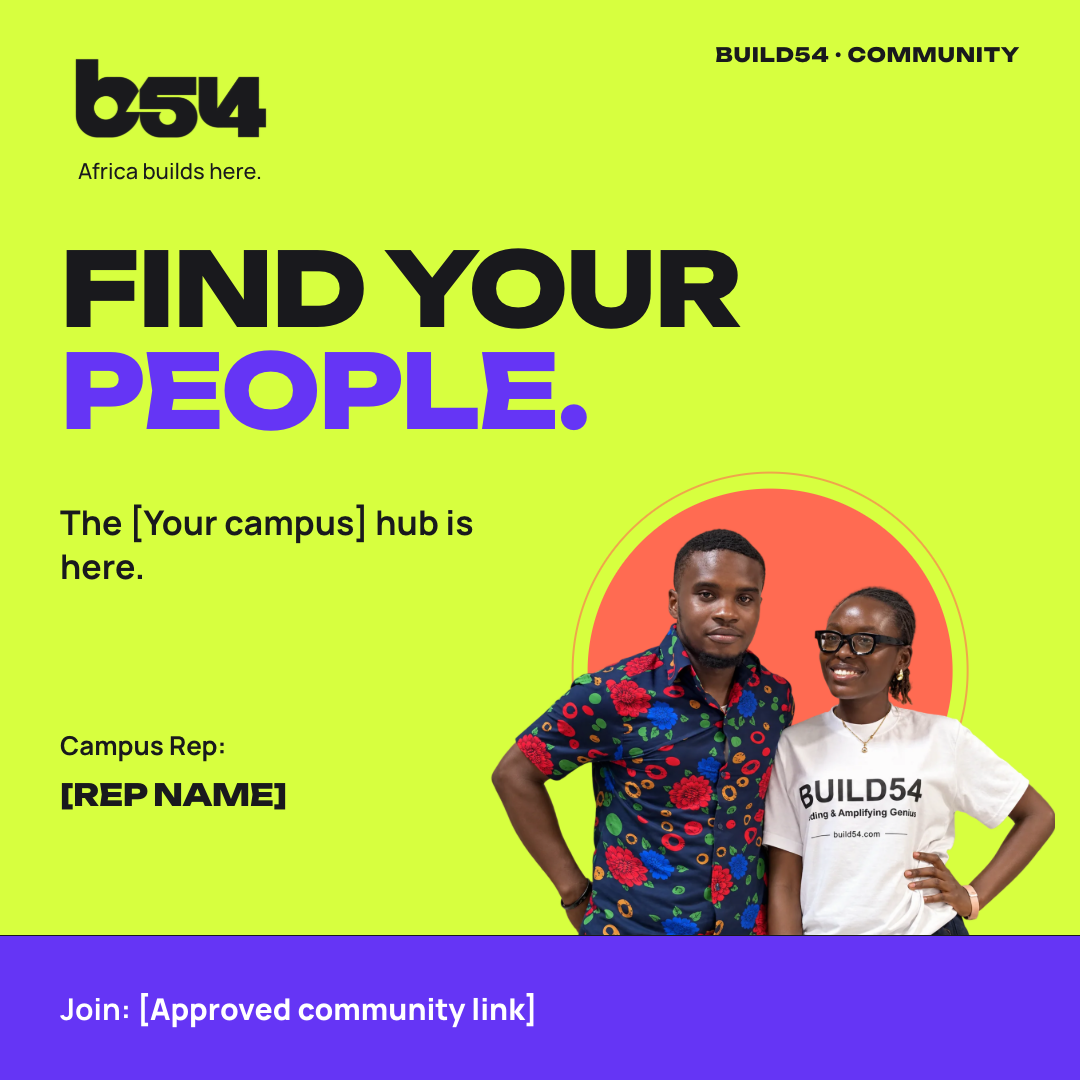
Square feed · 1080 × 1080
When your hub starts
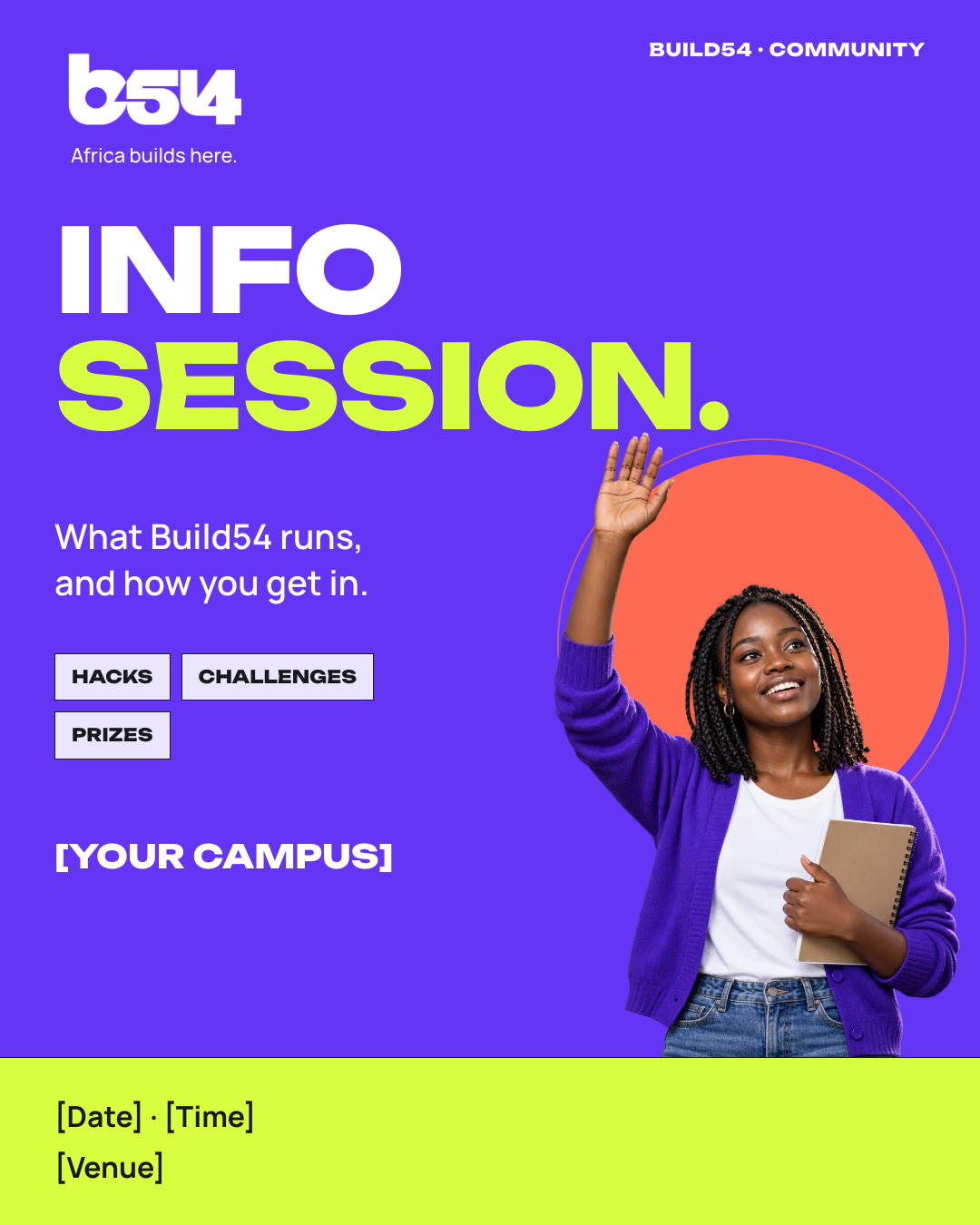
Portrait feed · 1080 × 1350
Before your first build
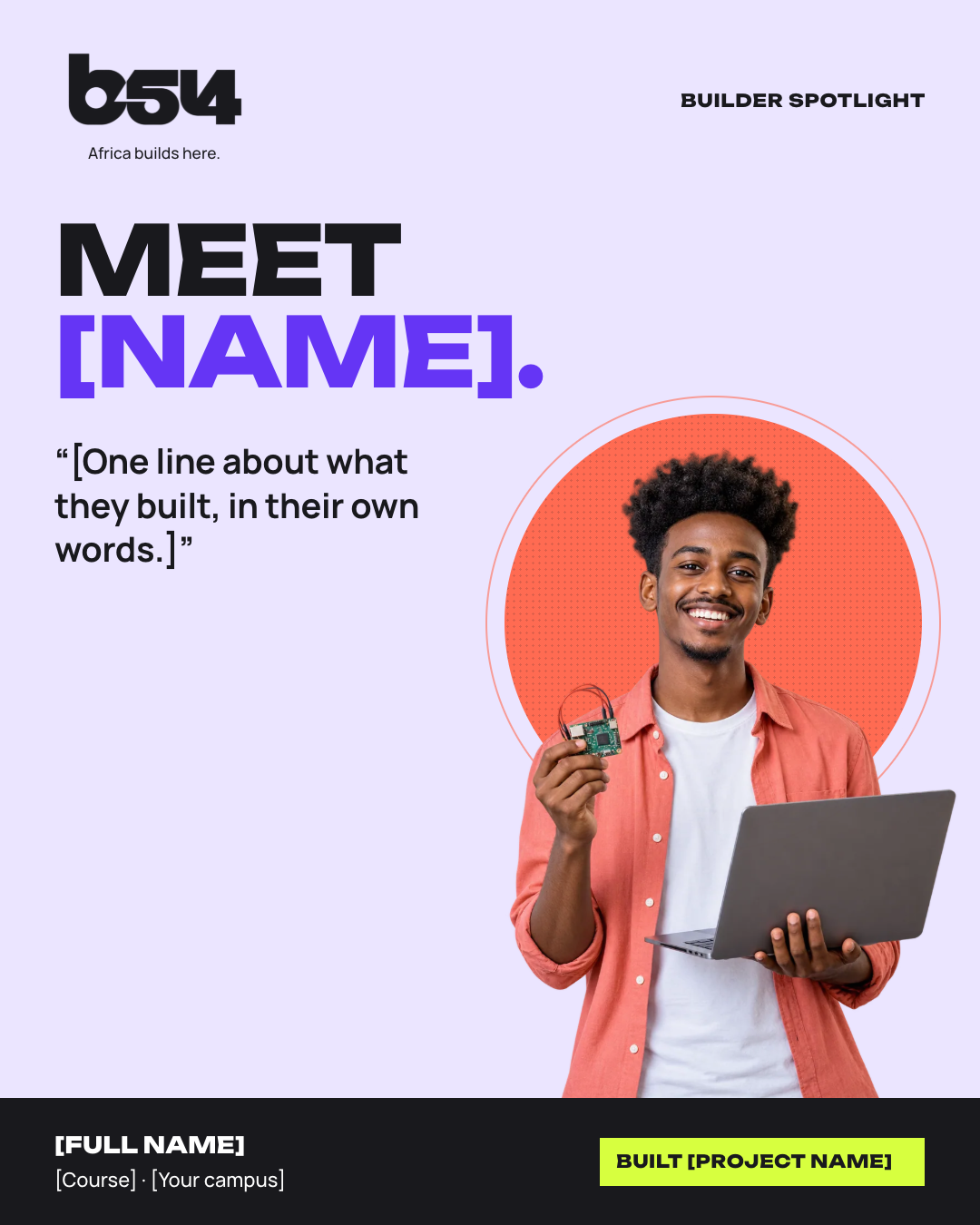
Portrait feed · 1080 × 1350
After the event, with consent
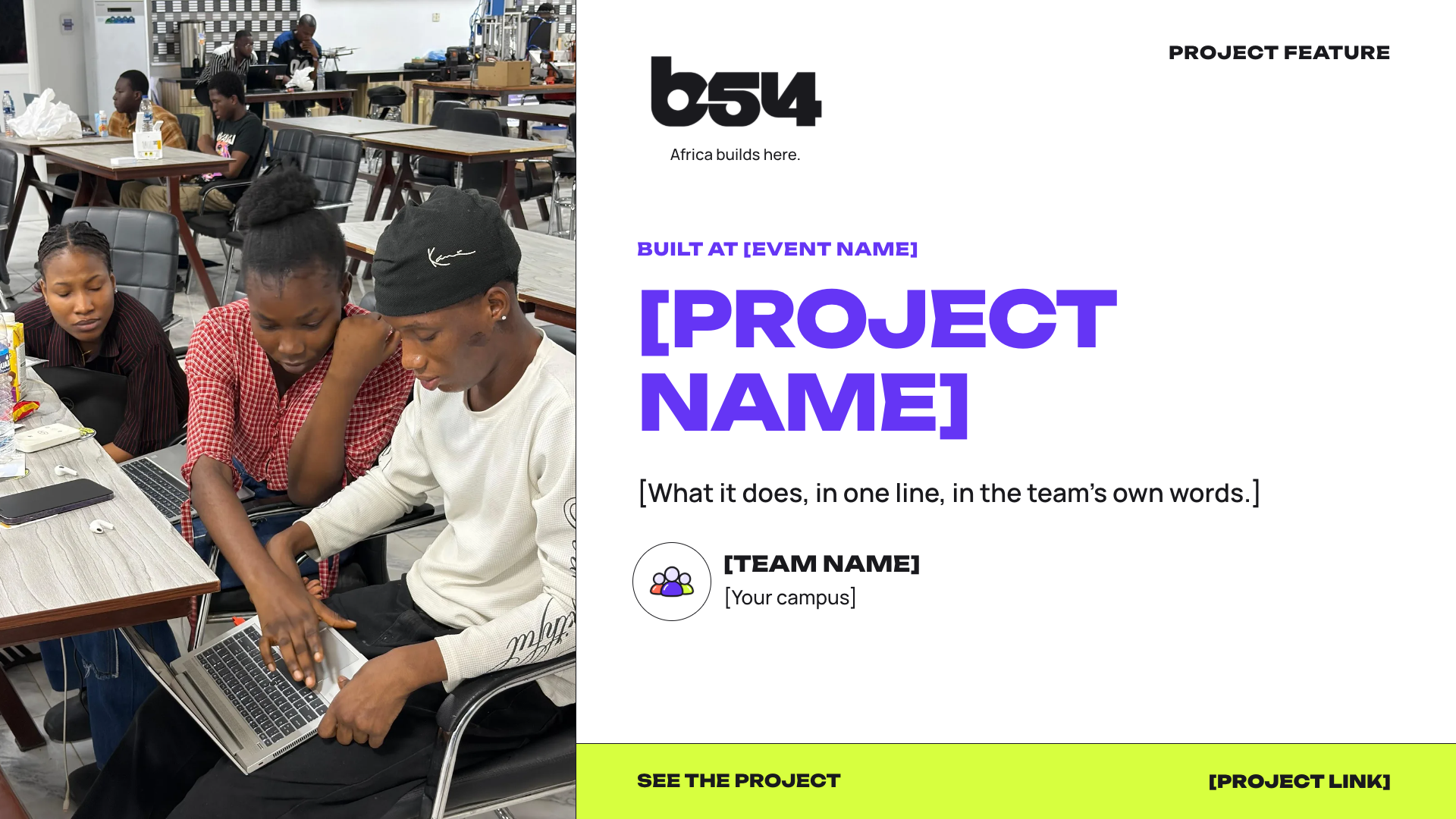
Landscape · 1920 × 1080
After the event, with the team’s OK

Carousel · 1080 × 1350
Within a week of the event
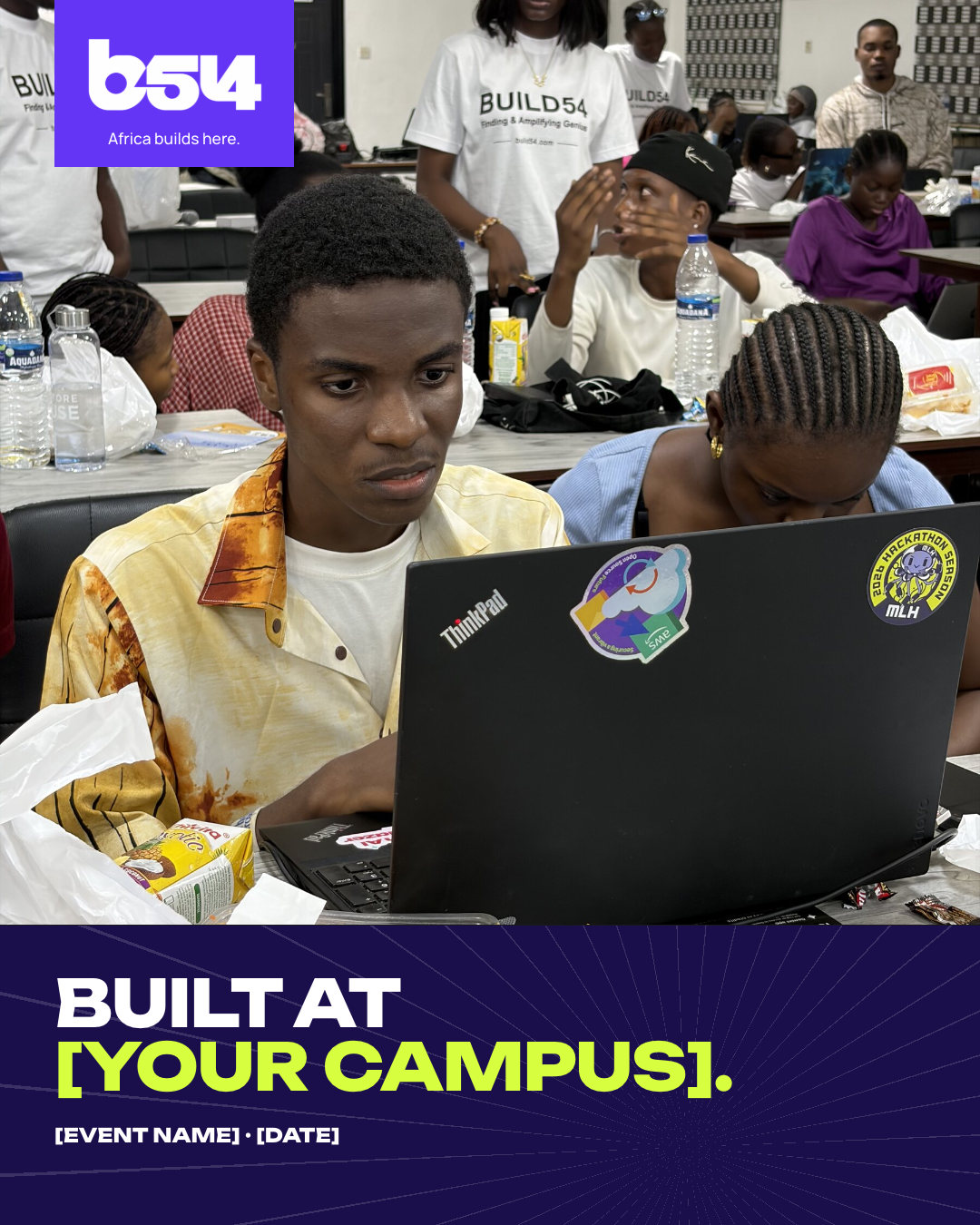
Portrait feed · 1080 × 1350
On the day and after
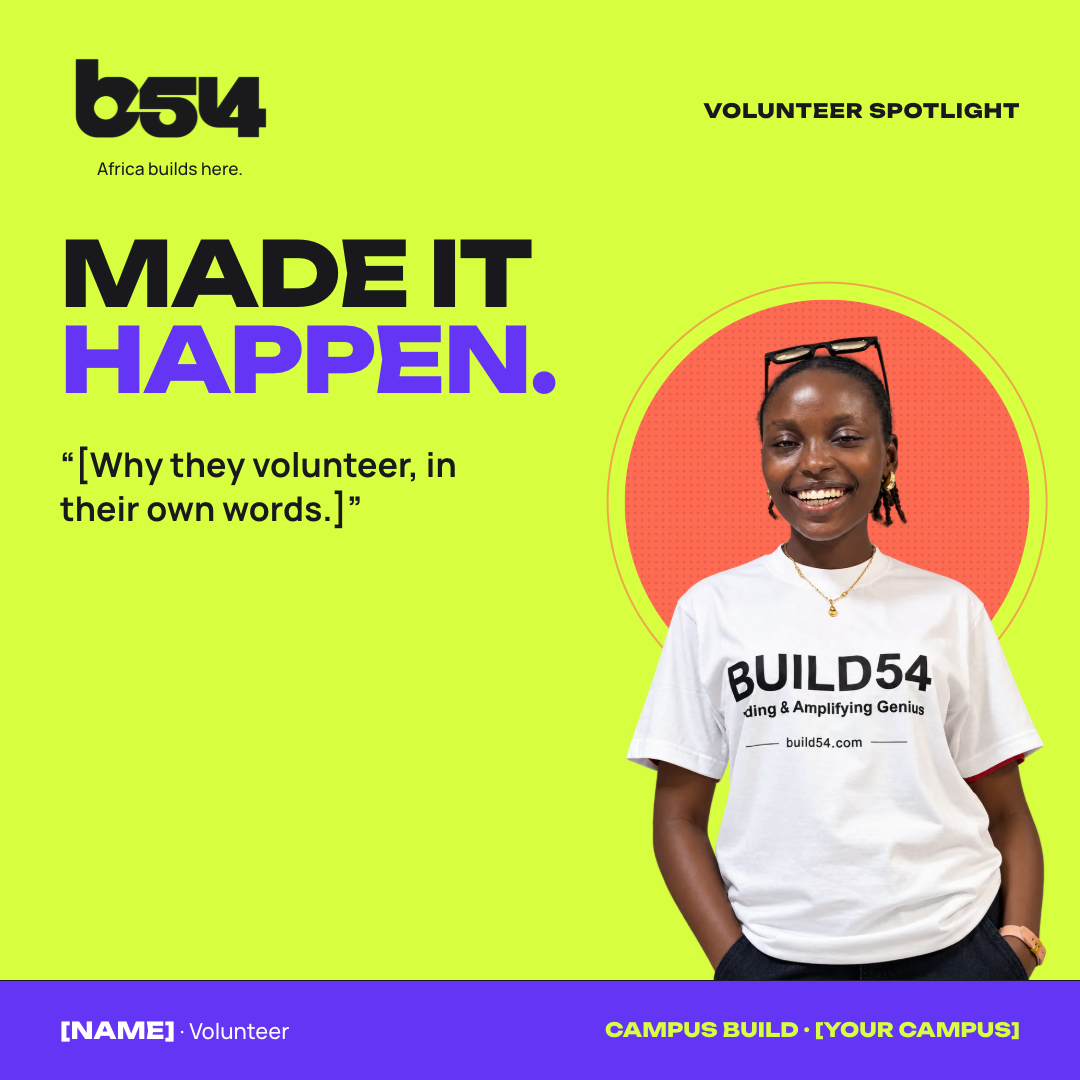
Square feed · 1080 × 1080
Any time, with consent
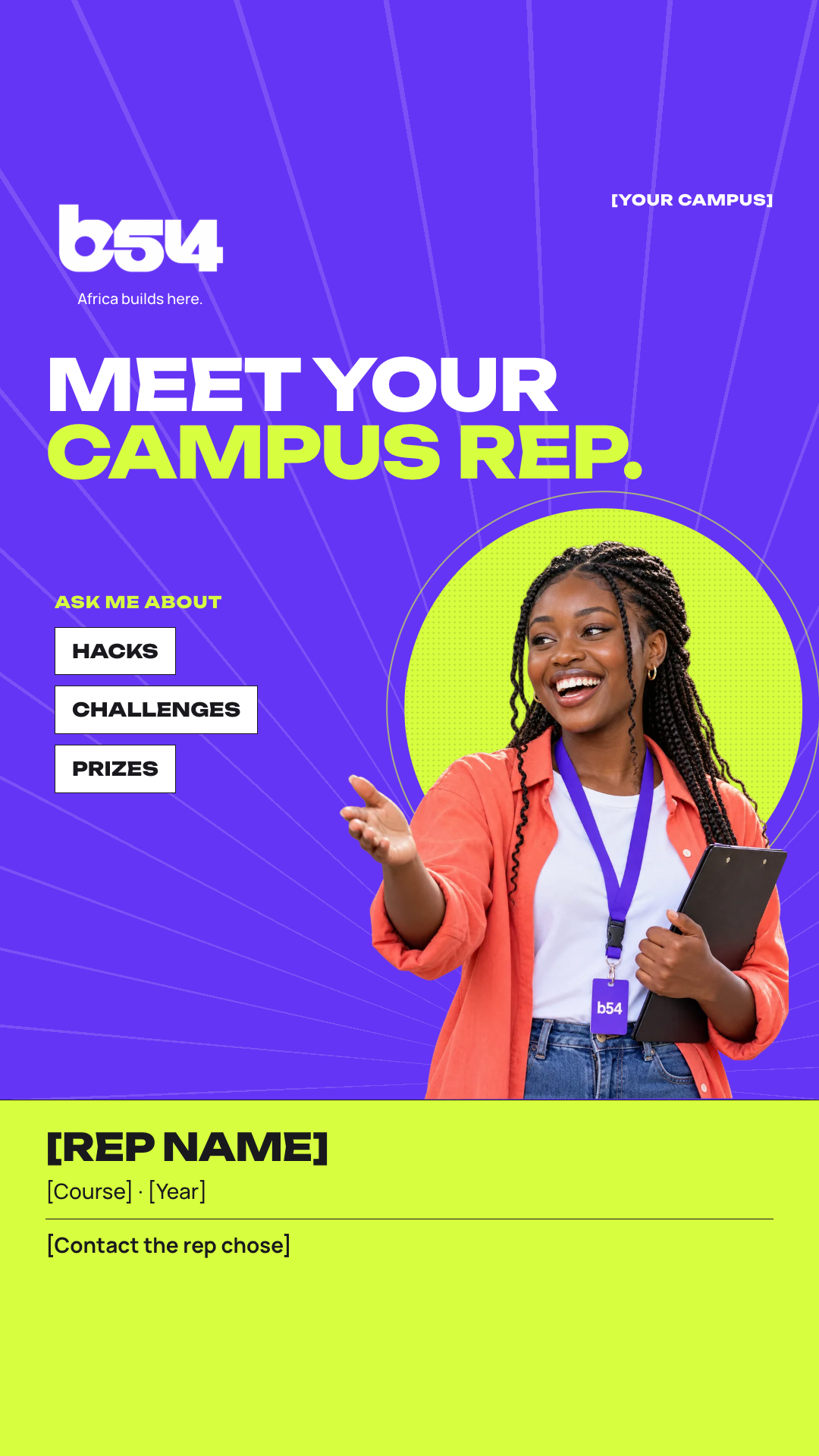
Story · 1080 × 1920
When a new rep starts
Square feed · 1080 × 1080
With an approved quote
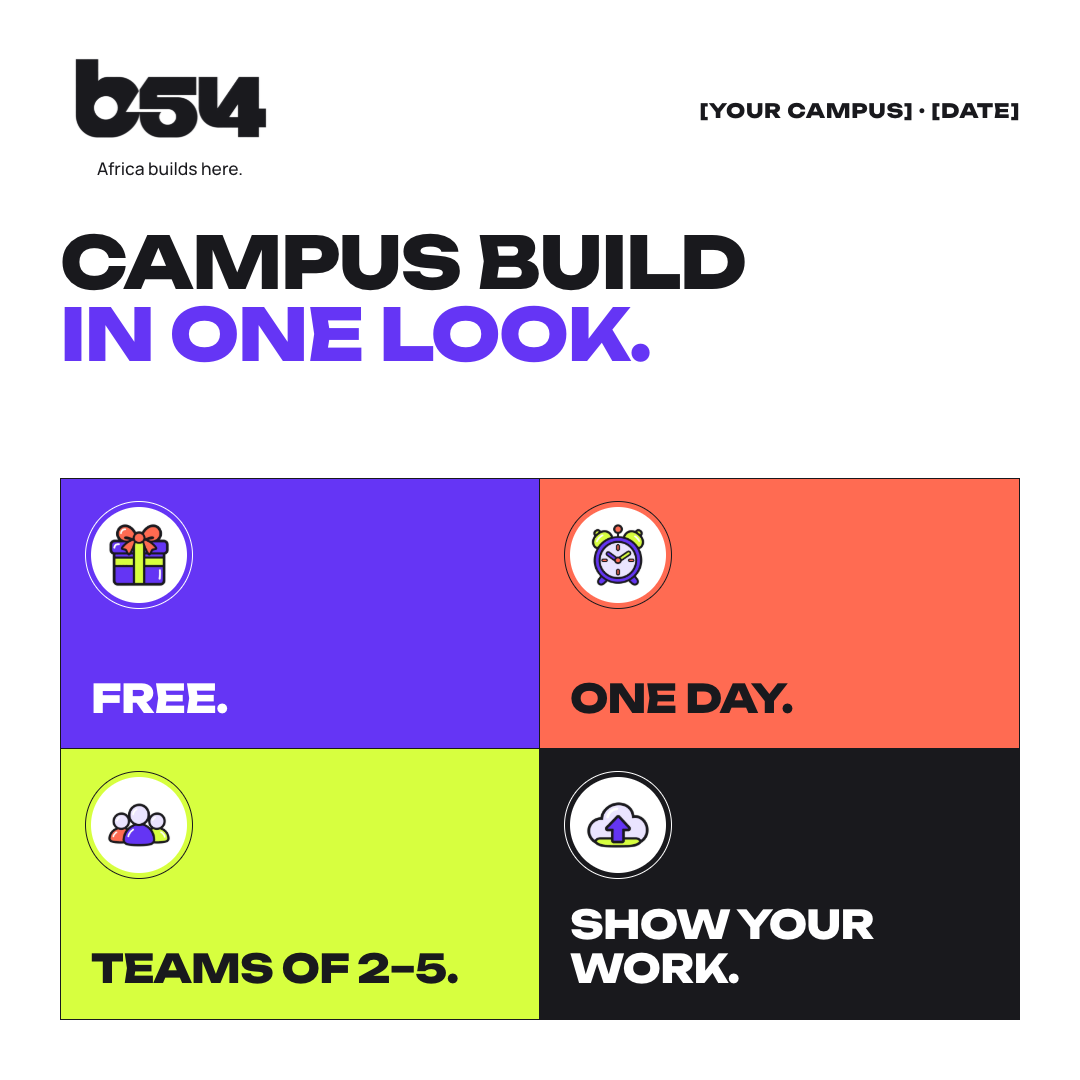
Square feed · 1080 × 1080
Any time before the event
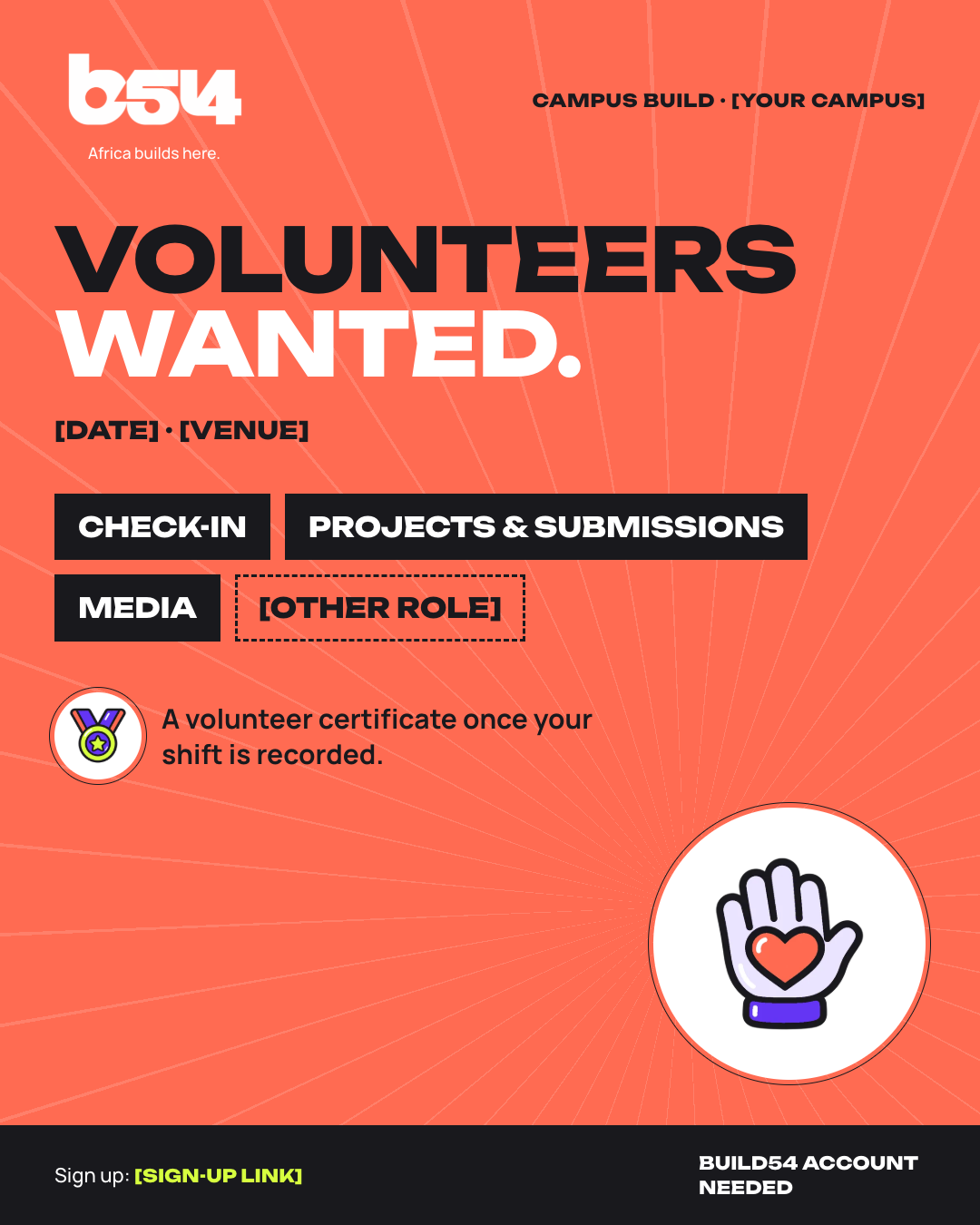
Portrait feed · 1080 × 1350
When you build your team
Landscape · 1920 × 1080
After the counts are final
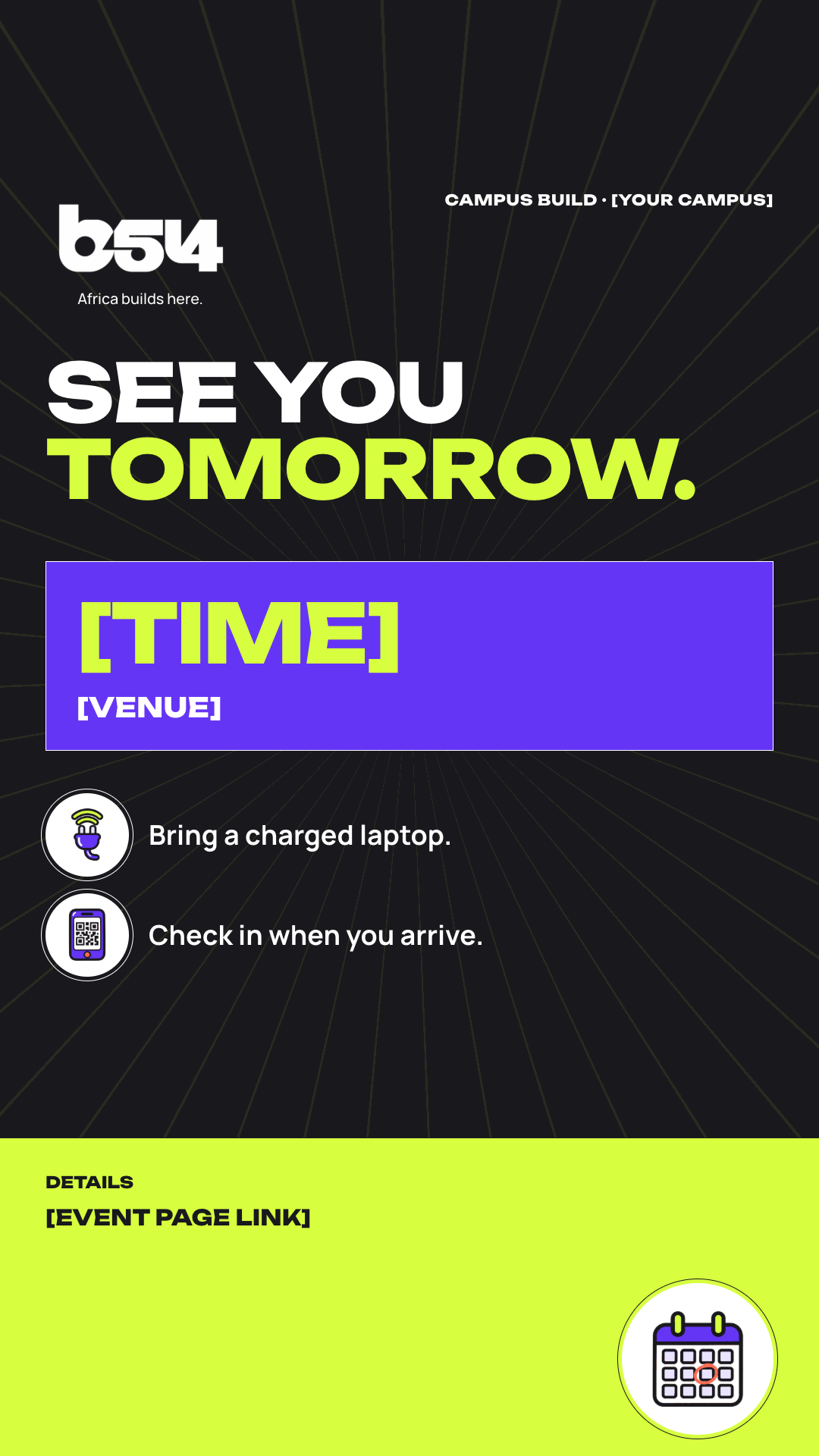
Story · 1080 × 1920
The day before
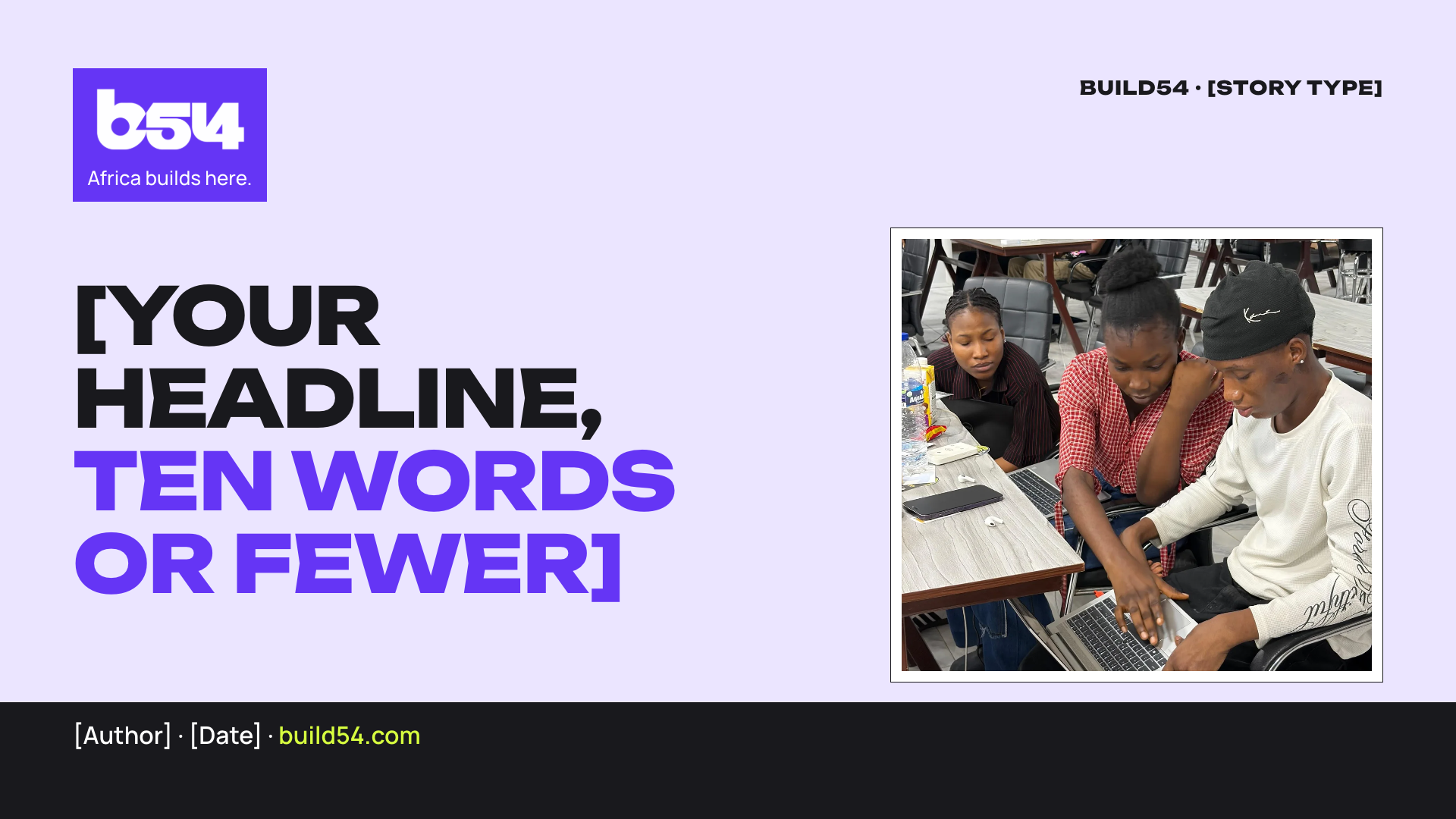
Landscape · 1920 × 1080
With a recap or story
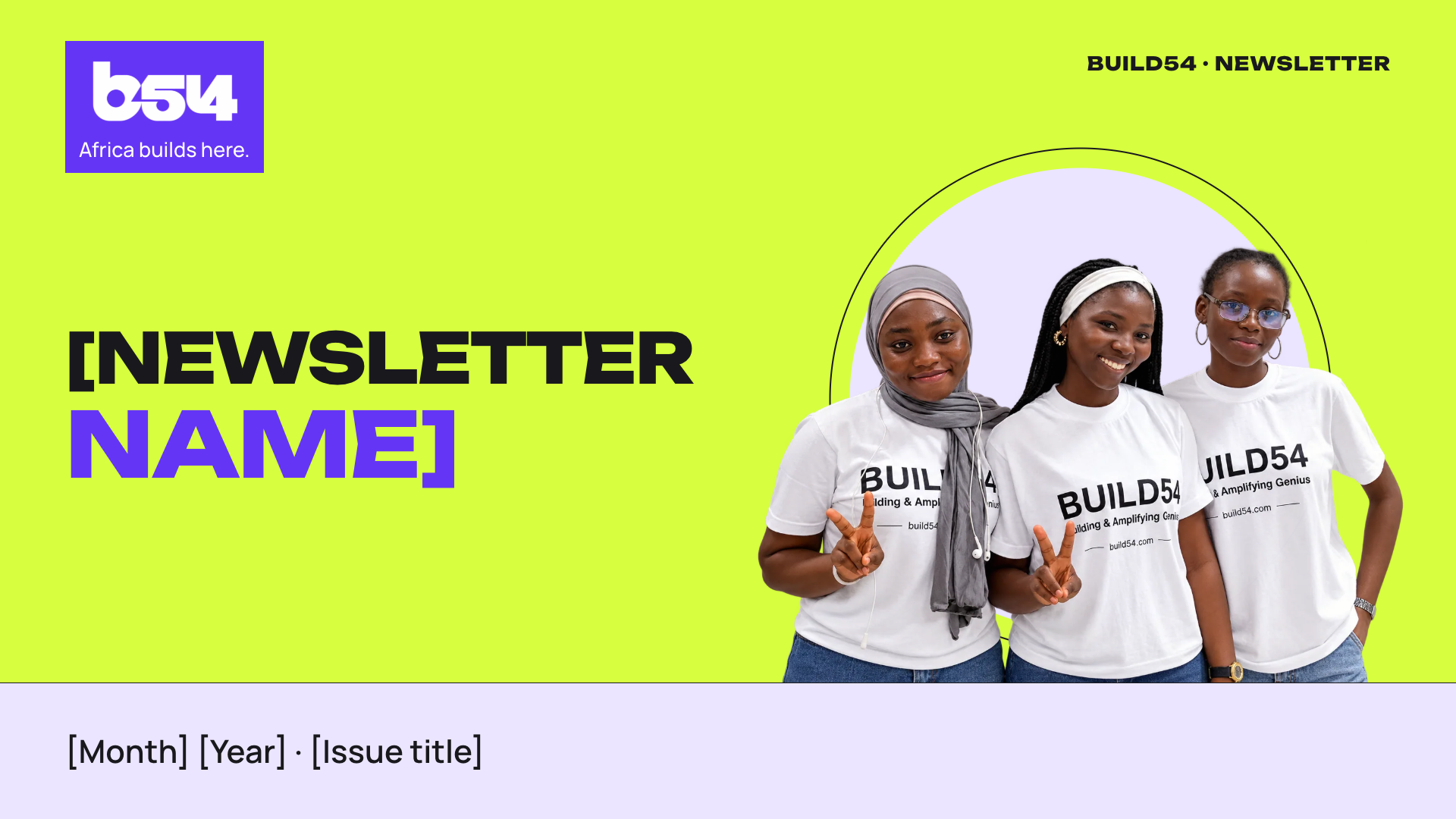
Landscape · 1920 × 1080
Invites and newsletters
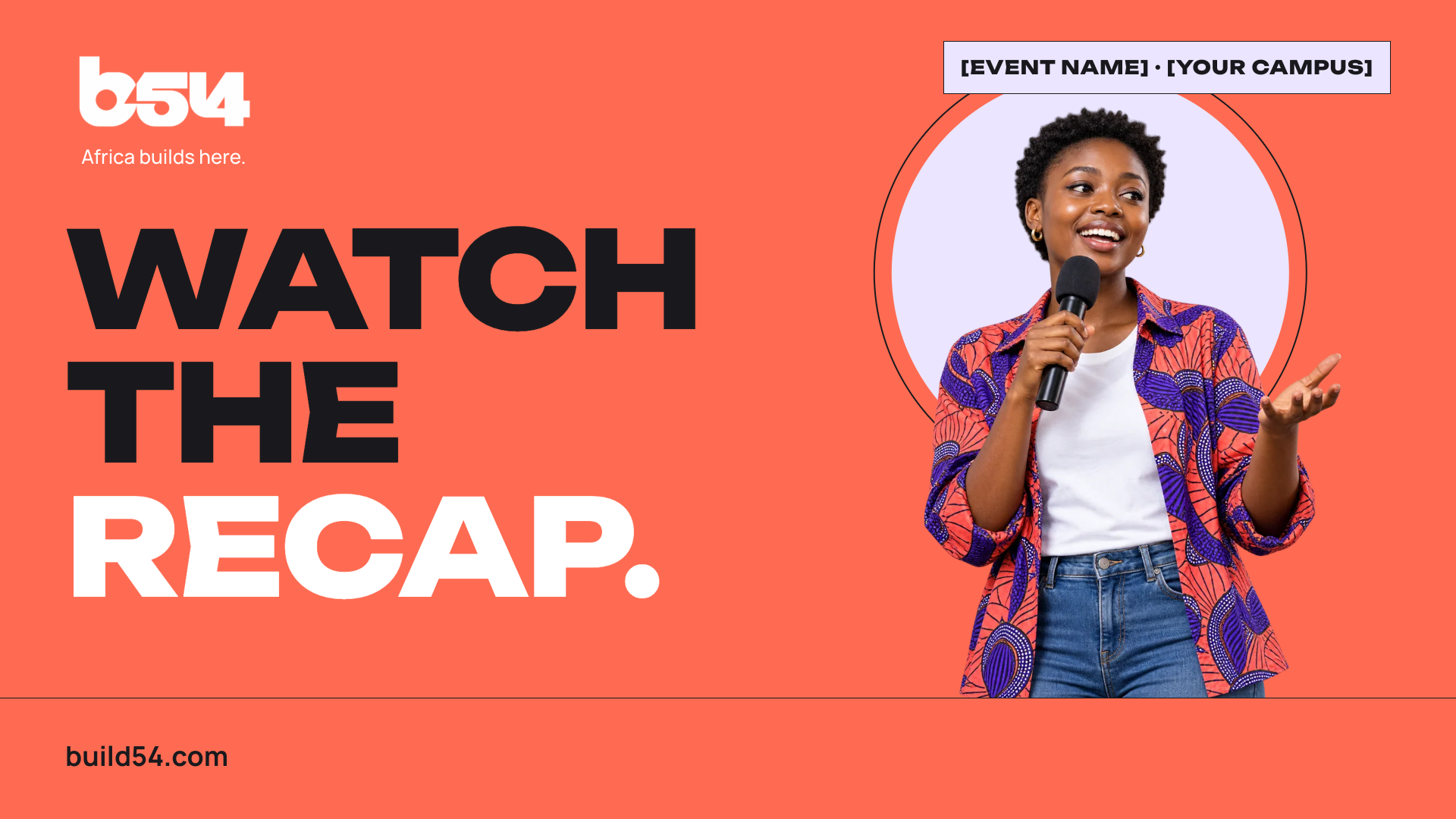
Landscape · 1920 × 1080
Recap and interview videos
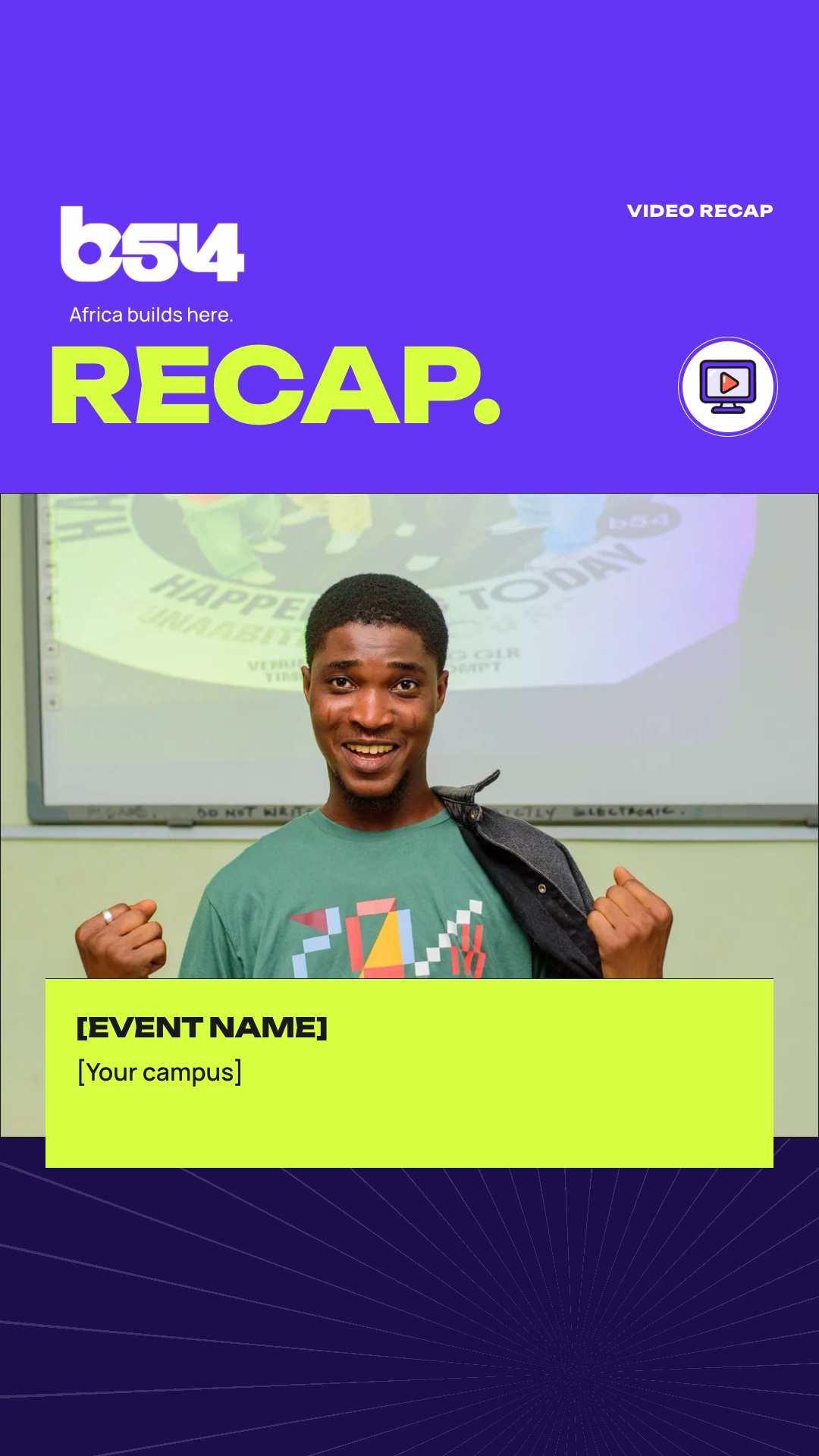
Story · 1080 × 1920
Short recap clips
Video overlay · 1920 × 1080
Over interview clips

Profile banner · 1584 × 396
While you hold the role
Profile banner · 1500 × 500
While you hold the role
Square · 1080 × 1080
For your hub’s approved group
Story · 1080 × 1920
For builders to share once registered
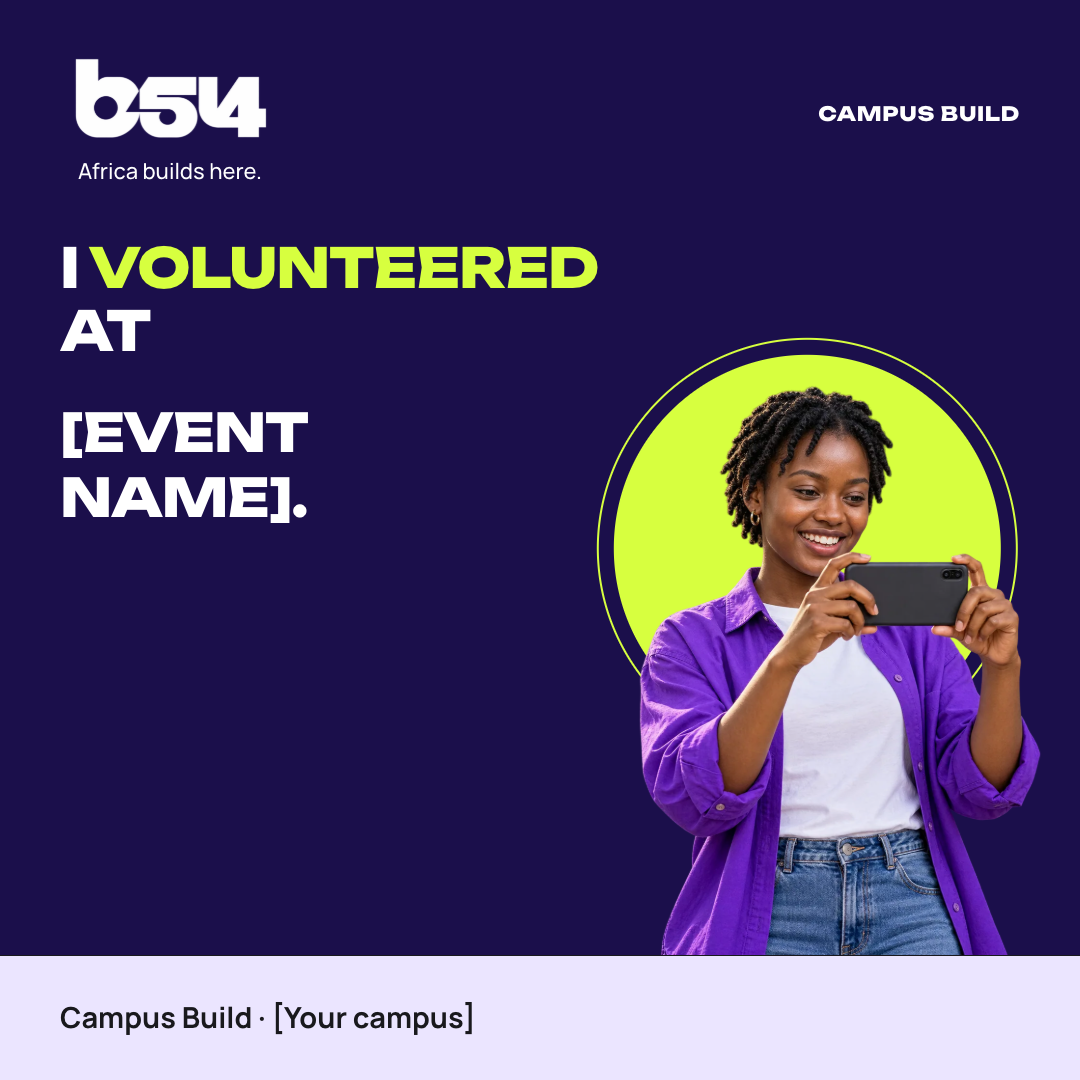
Square feed · 1080 × 1080
After your shift
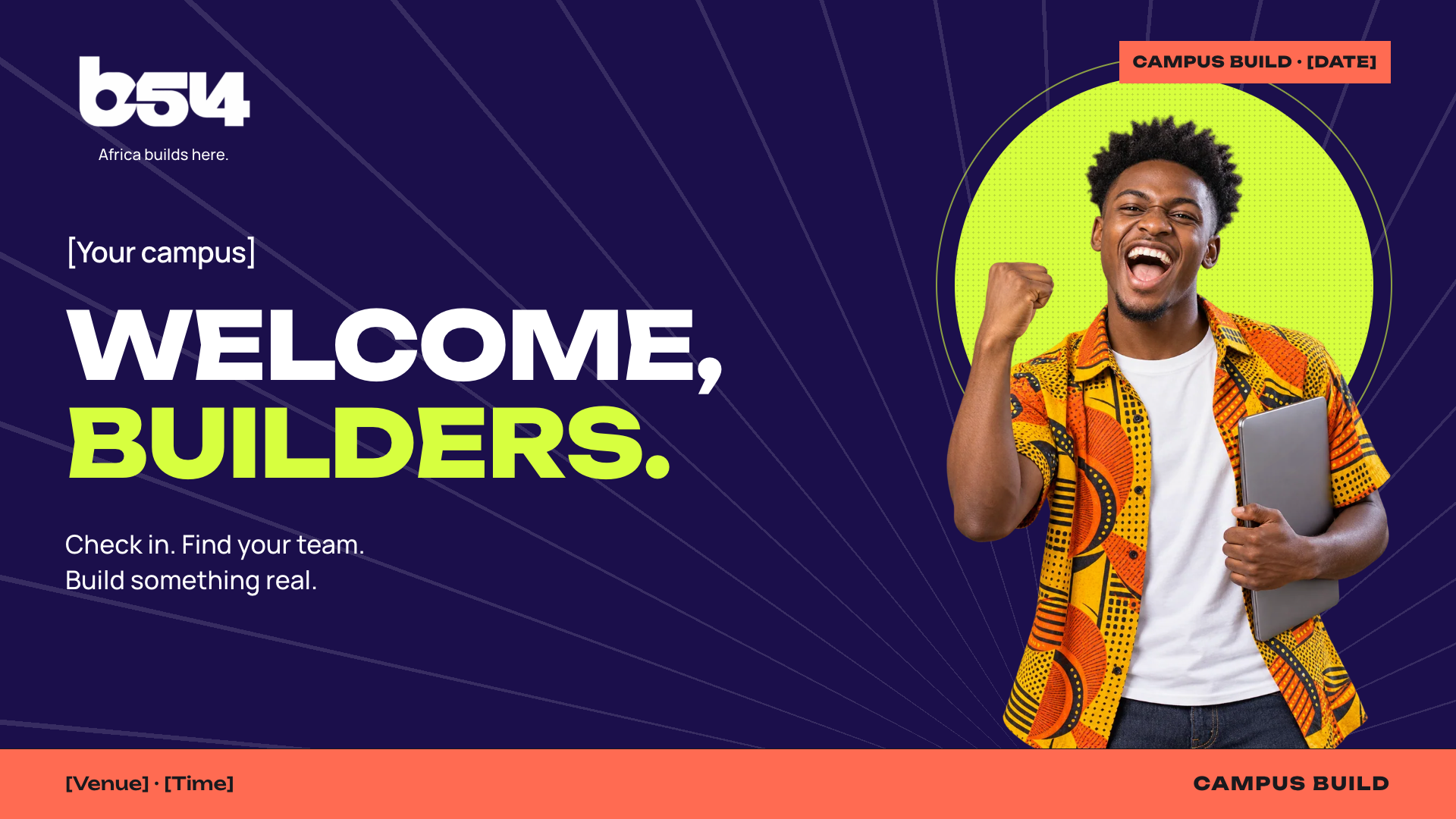
Slide · 1920 × 1080
As people arrive
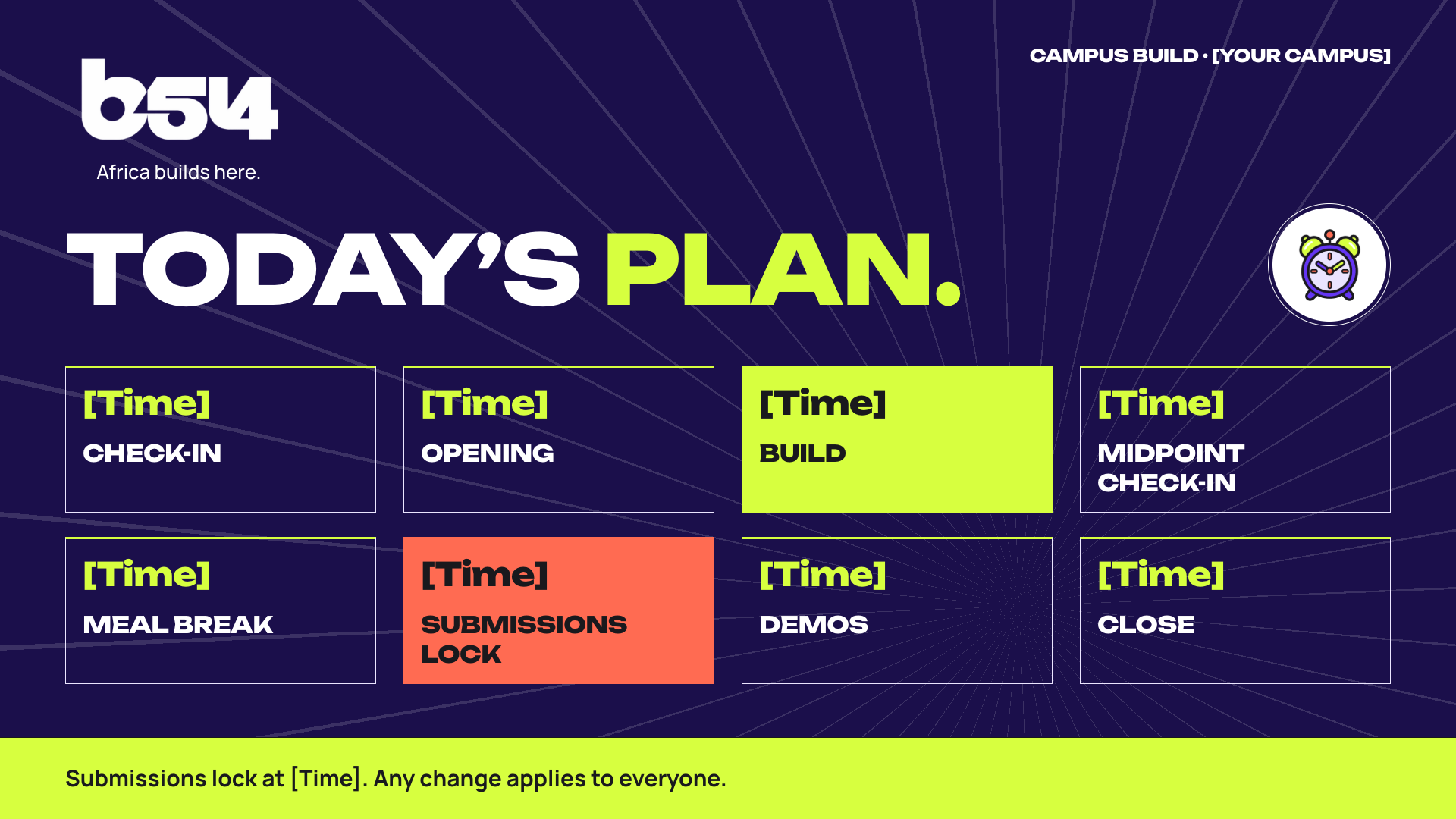
Slide · 1920 × 1080
At the opening
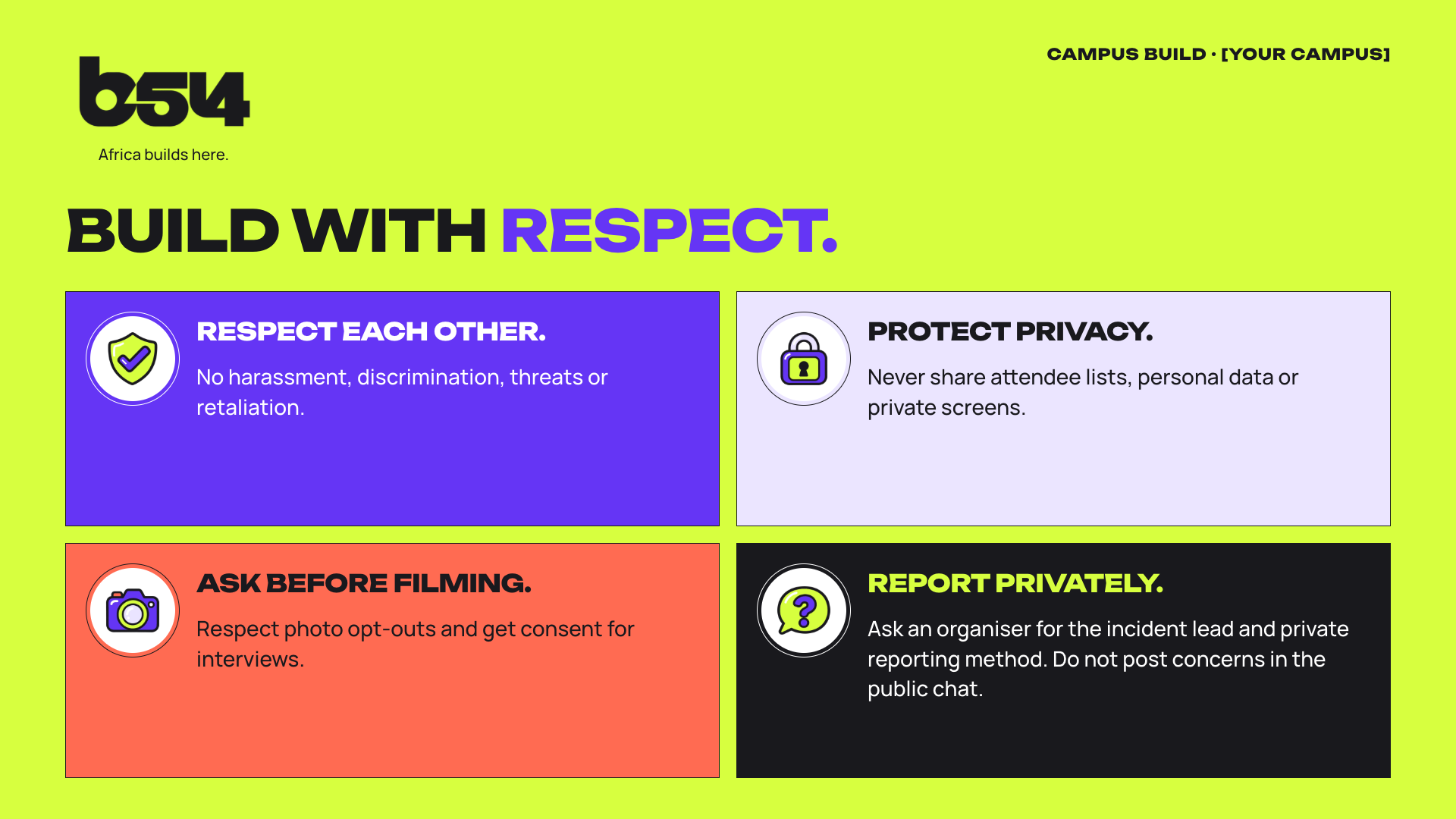
Slide · 1920 × 1080
At the opening
Slide · 1920 × 1080
At the meal window
Slide · 1920 × 1080
During demos
Slide · 1920 × 1080
Before the submission lock
Slide · 1920 × 1080
At the close
Landscape · 1920 × 1080
Hosting online events
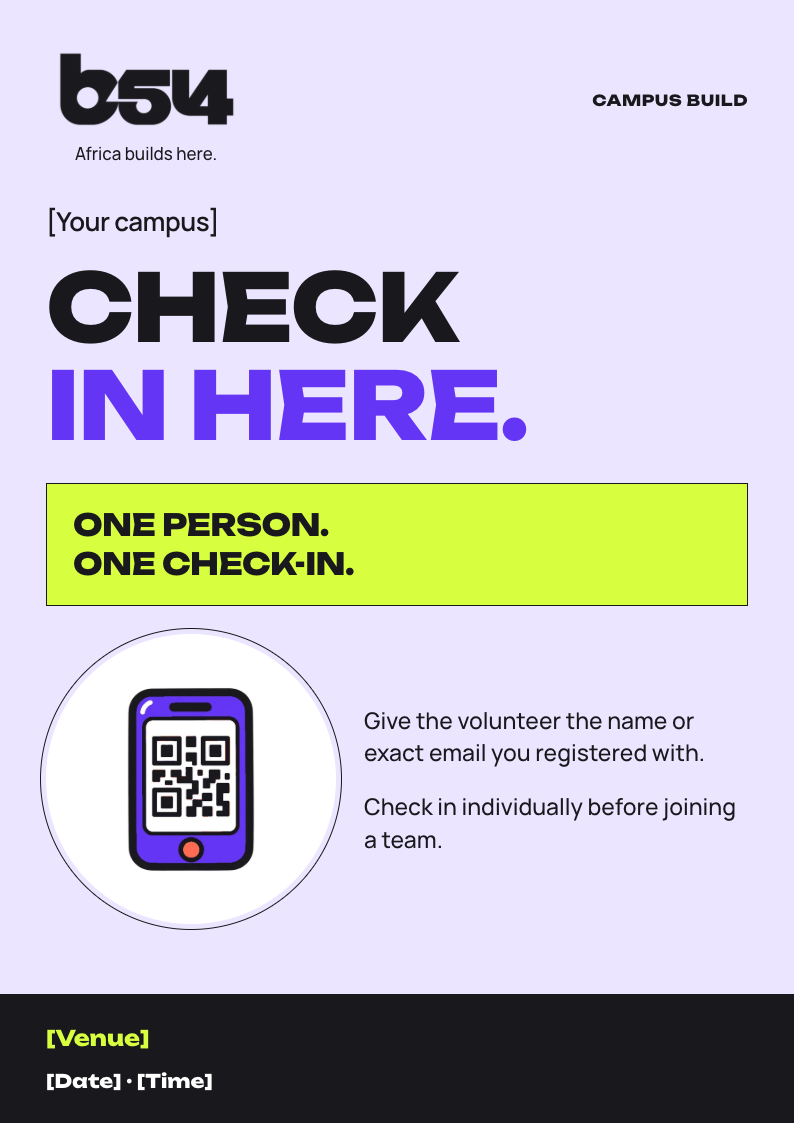
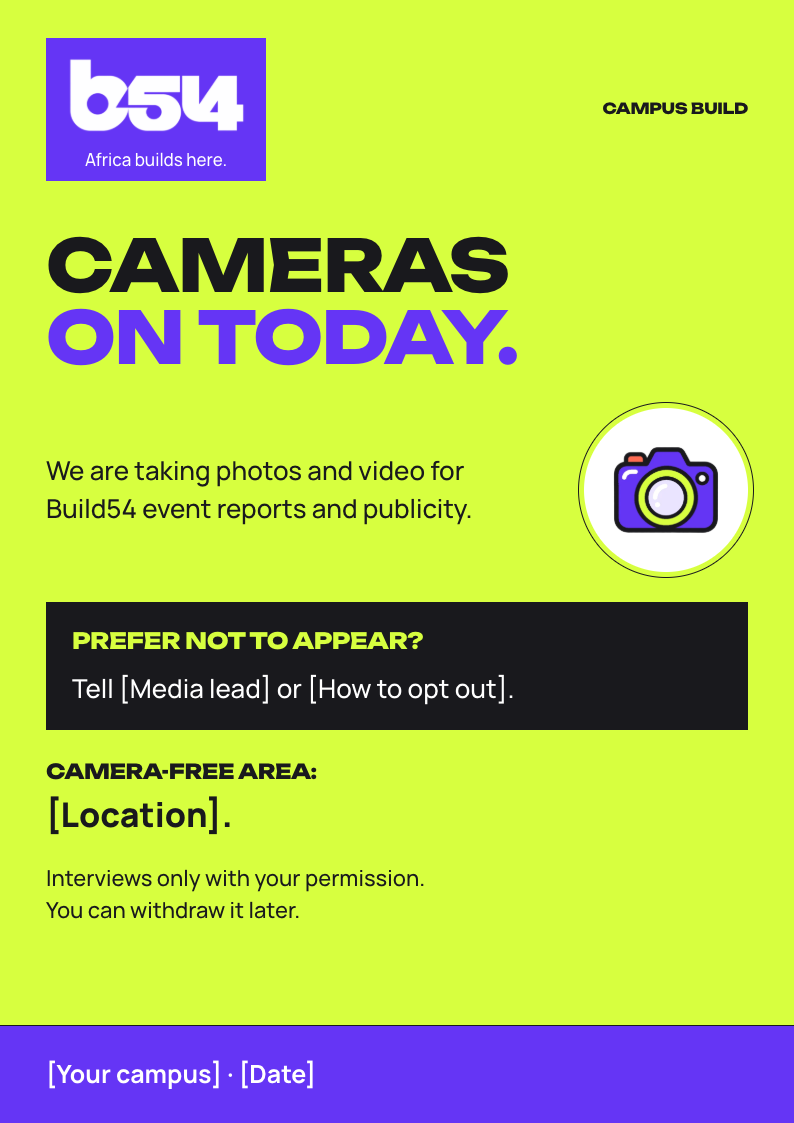
A4 print · A4
At the door and the check-in desk
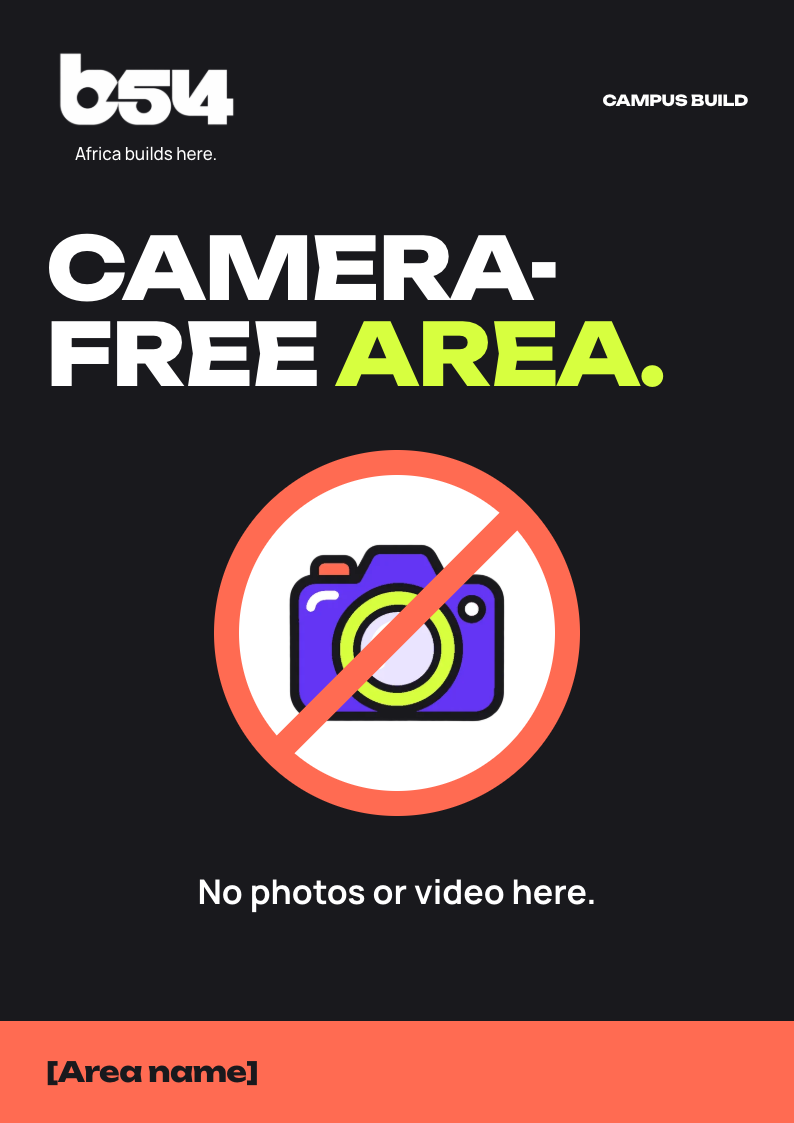
A4 print · A4
Mark the camera-free area
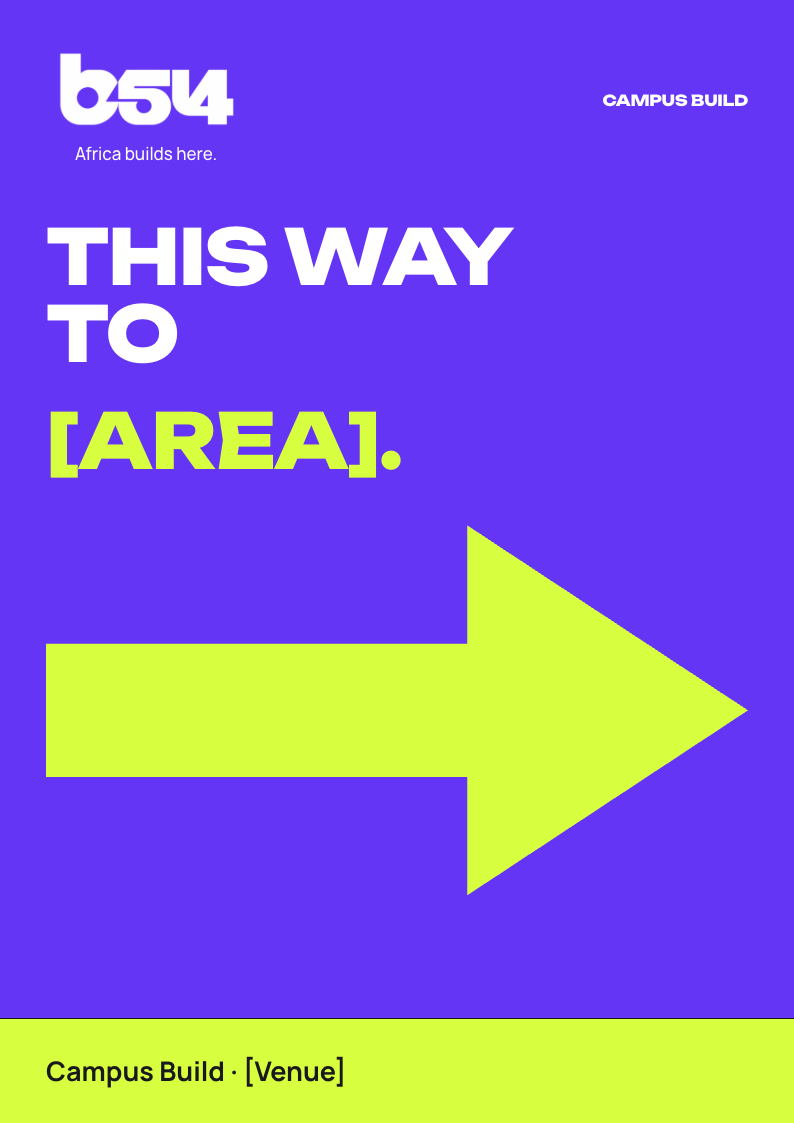
A4 print · A4
Entrances, rooms and meals
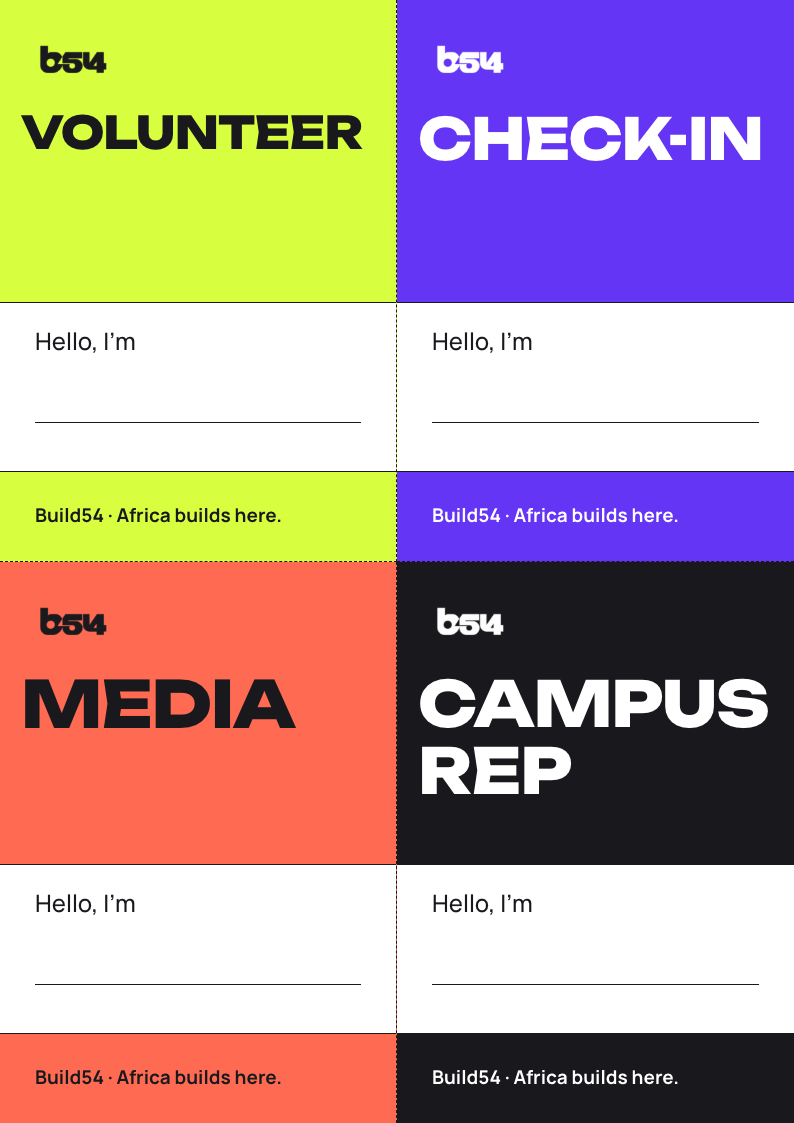
Slide · 1920 × 1080
At the opening and the close
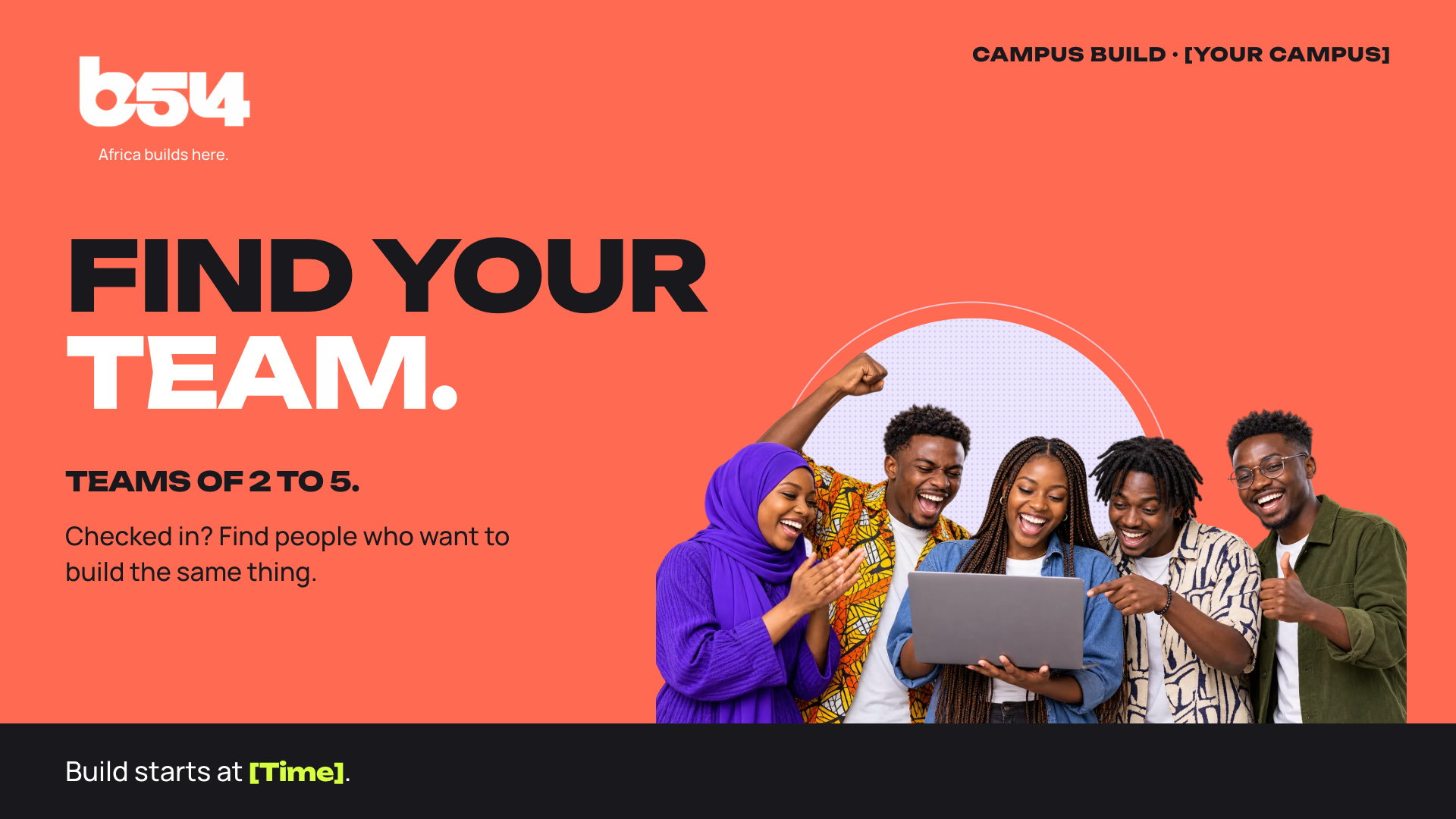
Slide · 1920 × 1080
Right after the opening
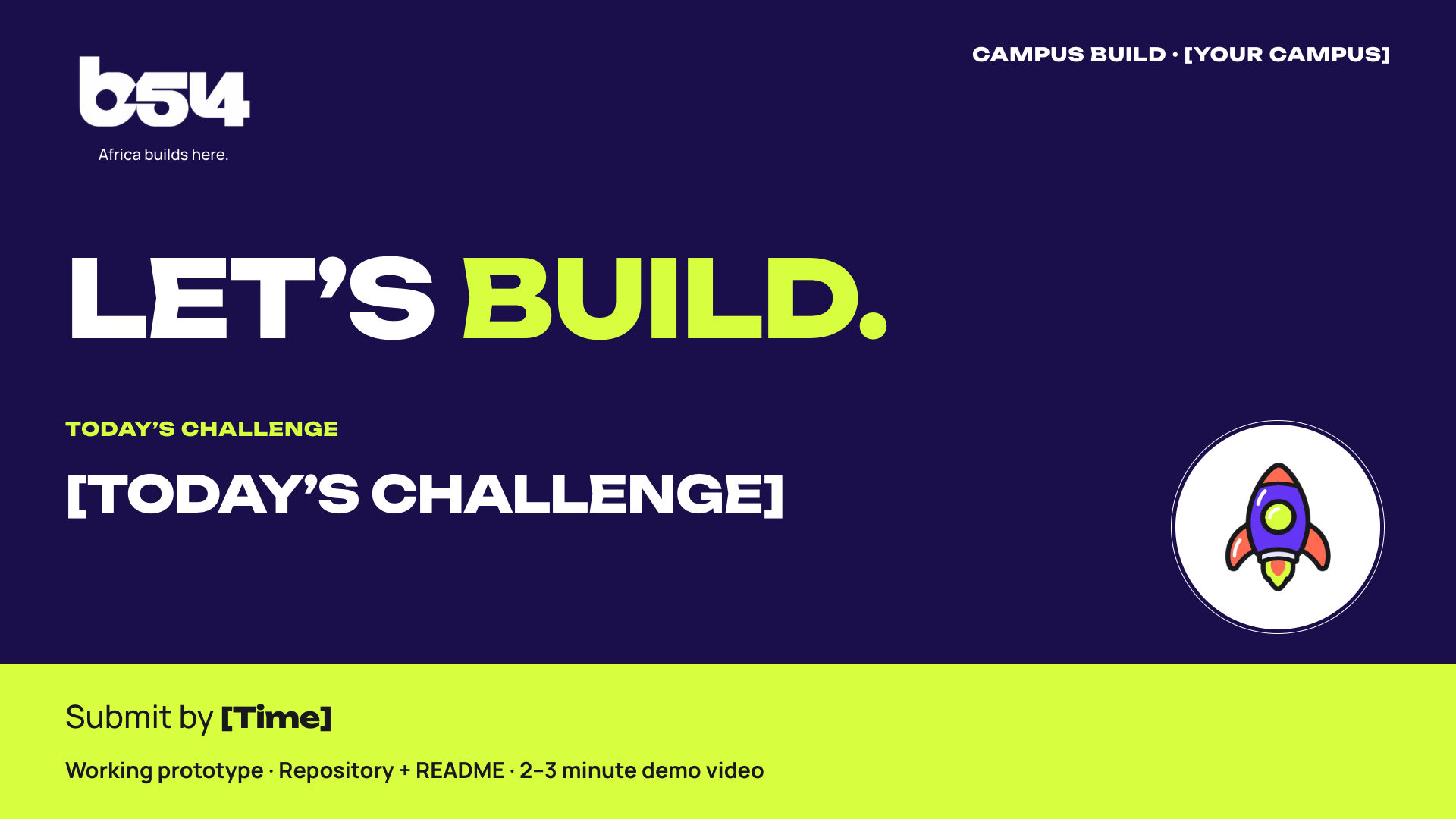
Slide · 1920 × 1080
When the build starts
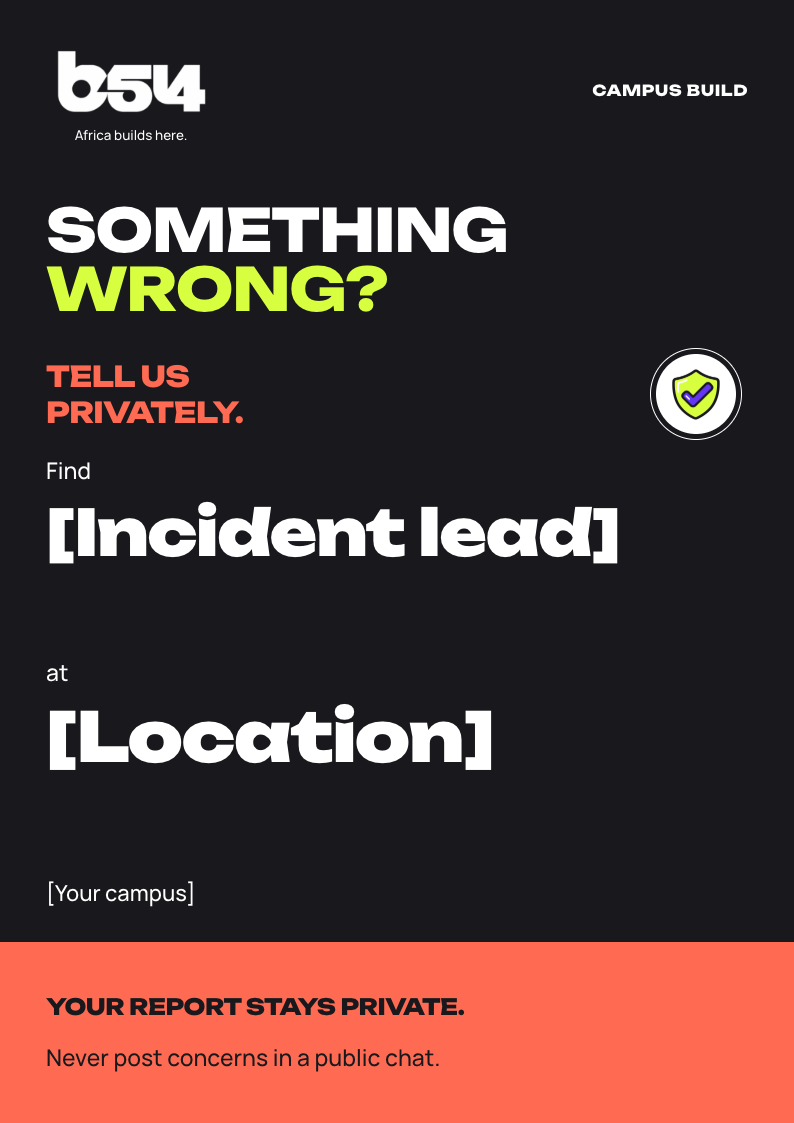
A4 print · A4
Next to the check-in desk
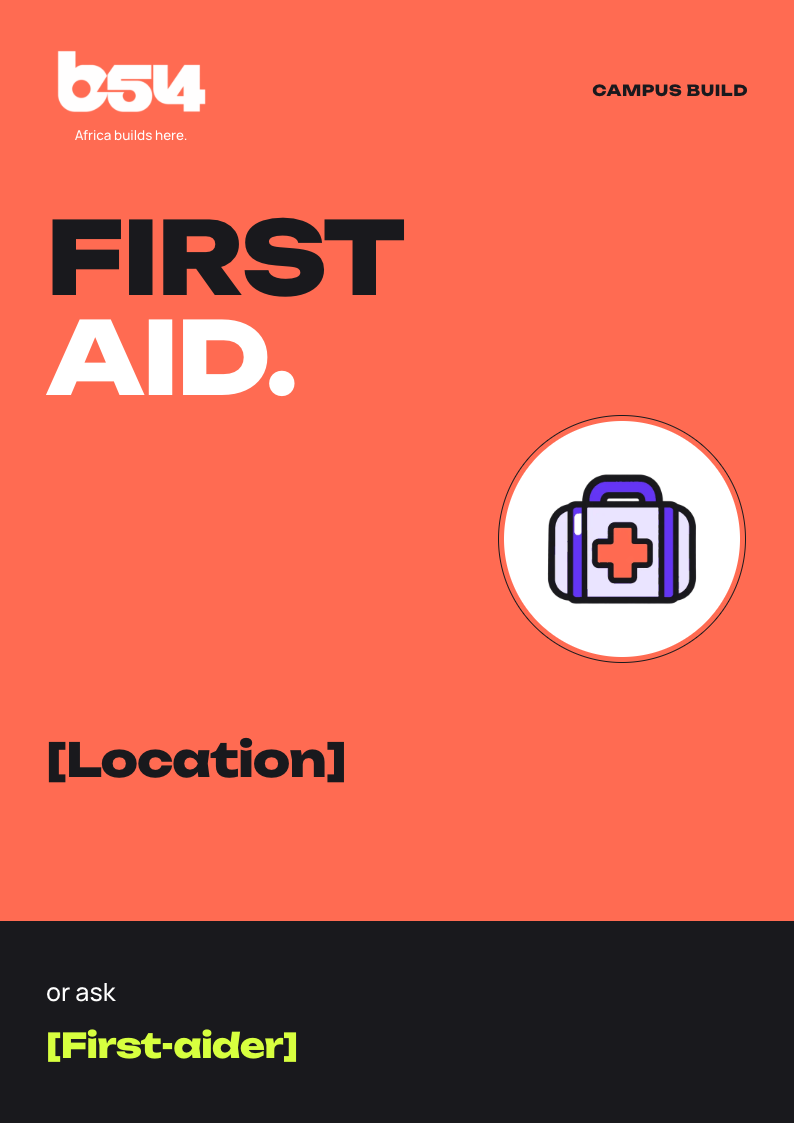
A4 print · A4
Where first aid is
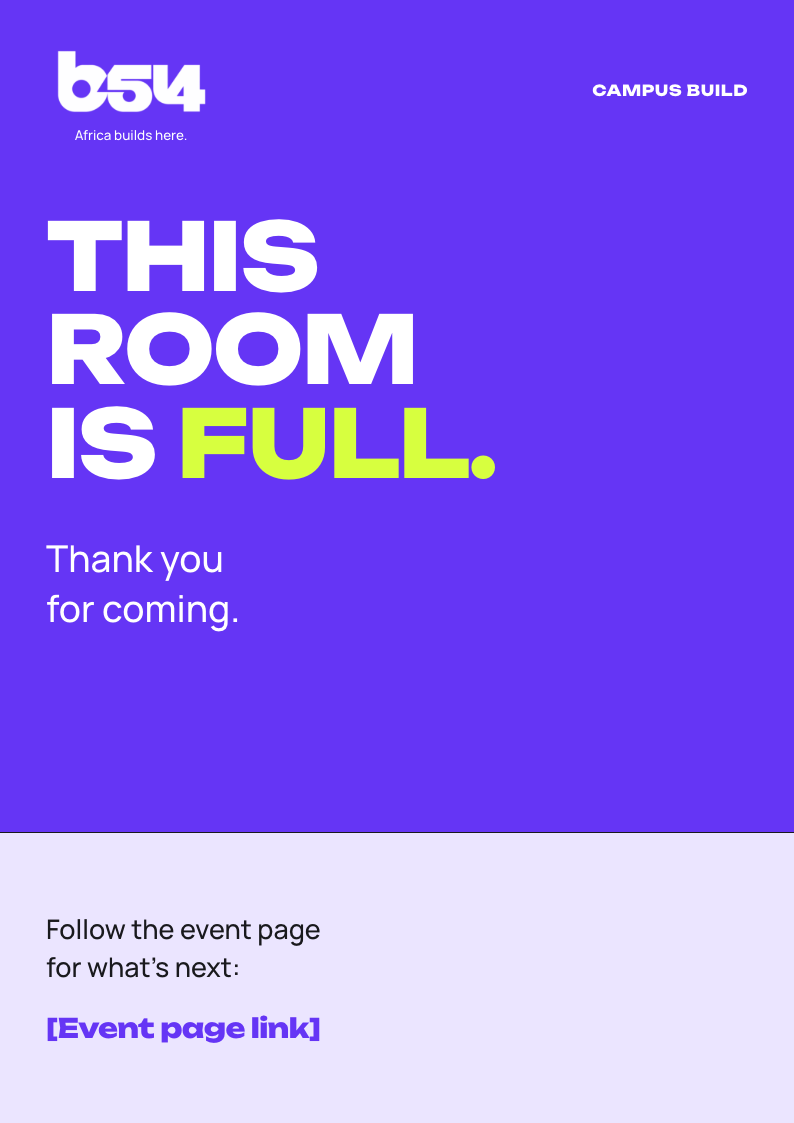
A4 print · A4
When the venue reaches capacity
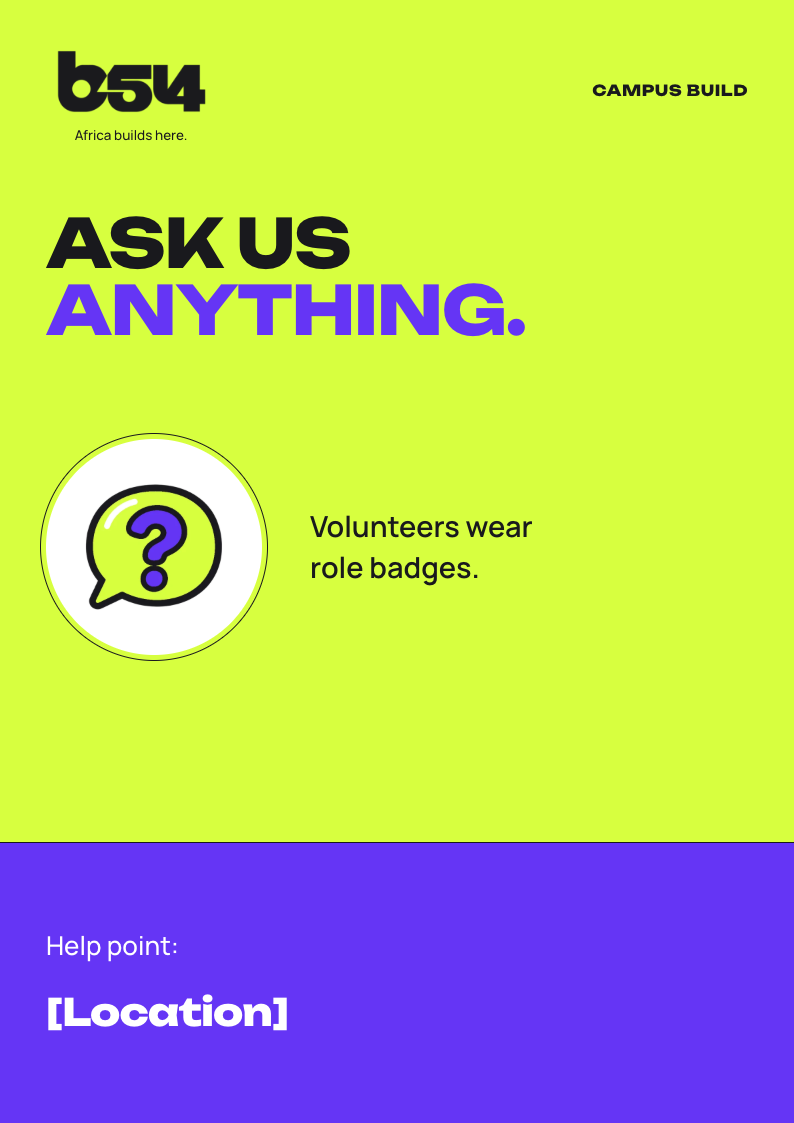
A4 print · A4
At the help point
Files for approval: JPEG or PNG up to 5 MB. Video in MP4 or QuickTime, up to 60 seconds and 30 MB.
Campus Build
Instagram and LinkedIn portrait template.
1080 × 1350 px · JPEG / PNG · 5 MiB max
Full-screen story template.
1080 × 1920 px · JPEG / PNG · 5 MiB max
Landscape feed and link-preview template.
1920 × 1080 px · JPEG / PNG · 5 MiB max

Reel, story and short-video title-card template.
1080 × 1920 px · MP4 / QuickTime · 30 MiB max · 60s max
Event copy
Public promotion · approval required
Campus Build at [Your campus] is a free, one-day, in-person build sprint. Work in a team of 2–5, build a working prototype, and submit a demo video, repository and README for remote judging by Build54. [Date] · [Time] [Venue] Register through the Build54 event page: [Registration link]
Public promotion · approval required
Registration is open for Campus Build at [Your campus]. A free, one-day build sprint: form a team, build a working prototype, and show your work. [Date] · [Time] [Venue] Register on the Build54 event page: [Registration link]
Registered participants · request confirmation if attendance risk is high
Campus Build at [Your campus] is in seven days. [Date] · [Time] [Venue] Event details: [Registration link] Please confirm whether you can attend so the organisers can plan for the day.
Registered participants
Campus Build at [Your campus] starts in 48 hours. Arrive at [Time] on [Date]. Location: [Venue] Bring your charged laptop and check the event page for pass instructions, conduct rules, and submission requirements: [Registration link] Check in individually when you arrive. Teams submit a working prototype, repository, README, and a 2–3 minute demo video by the platform deadline.
Event room
Welcome to Campus Build at [Your campus]. Check in individually before joining a team. Today, teams build from kickoff and submit a working prototype, repository, README, and a 2–3 minute demo video by the platform deadline. We will explain the challenge, conduct and originality rules, submission deadline, and demo format at the opening. Ask the organisers for the private reporting method if you need to raise a conduct concern. Respect photo opt-outs and keep personal data and private screens out of photographs.
Public post · approval required
Thank you to the builders and volunteers at Campus Build, [Your campus], for building and showing your work. Build54 reviews the submitted demos and repositories. Results remain provisional until eligibility and integrity checks are complete. The event page will carry approved results and follow-up: [Registration link]
Public post · approval required · confirmed details only
Tomorrow, we build. Campus Build at [Your campus] starts at [Time]. [Date] · [Venue] Check the Build54 event page for arrival and pass instructions: [Event page link]
The signature
Brand colours
#6535F5
RGB 101, 53, 245
#1B0F4B
RGB 27, 15, 75
#EBE5FF
RGB 235, 229, 255
#D7FF3F
RGB 215, 255, 63
#FF6B52
RGB 255, 107, 82
#FFE1DA
RGB 255, 225, 218
#19191D
RGB 25, 25, 29
#FFFFFF
RGB 255, 255, 255
Brand type
Headlines · 800 · Uppercase
Manrope body · 500 · Sentence case
Manrope name lockup · 600
Manrope tagline lockup · 500
Unbounded and Manrope are available under the SIL Open Font License (OFL).
The illustration library
Photos & consent
Give a clear media notice. Get specific informed permission for identifiable interviews, testimonials and close portraits.
Offer a visible photo opt-out and a camera-free area. Exclude anyone who opts out from recordings and published images.
Never show attendee lists, passes, personal data, payment details or private screens. Follow the approved safeguarding plan for minors.
Use only licensed images, music and footage. Submit branded media for approval on build54.com before it goes public.